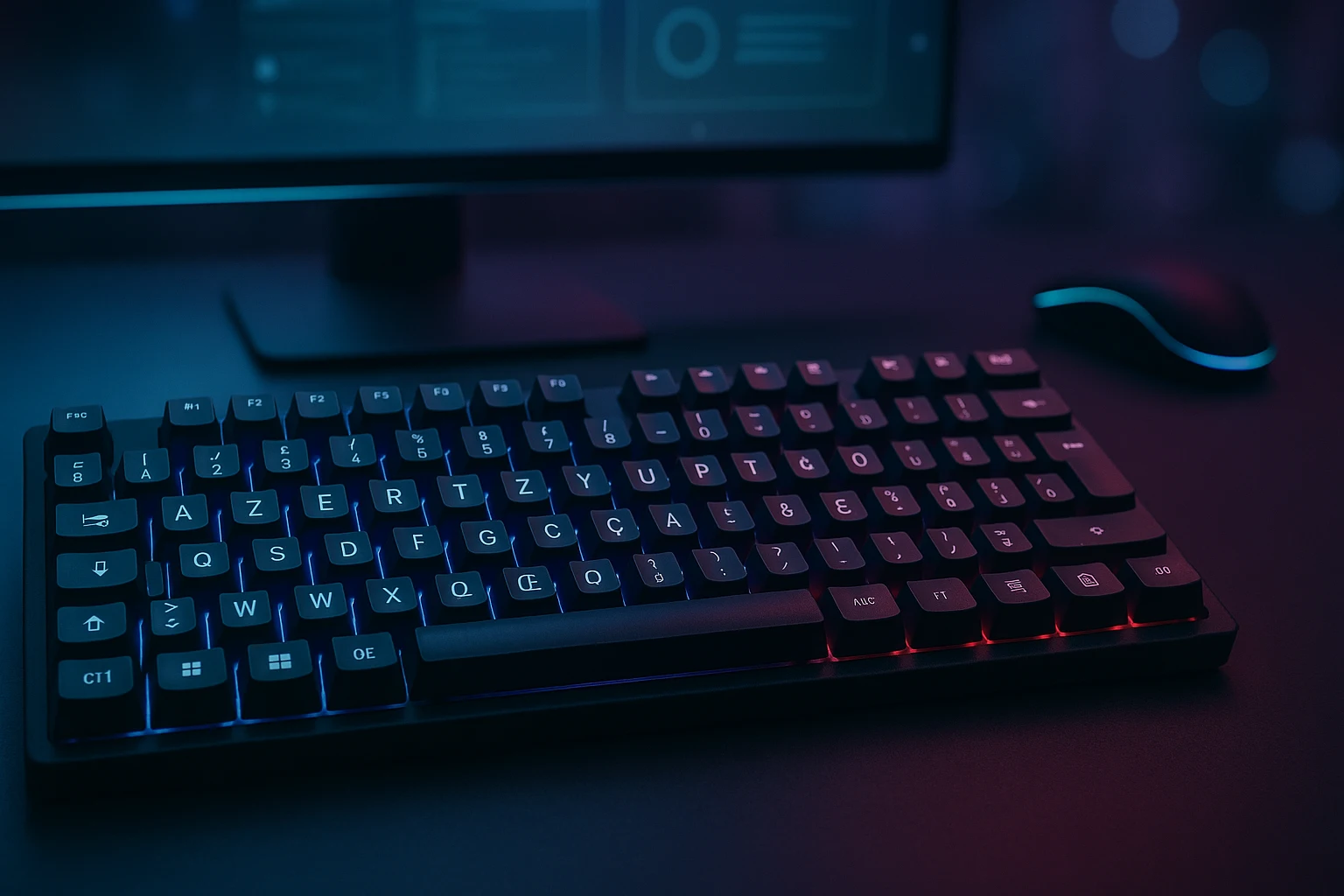
When sitting before a French computer you will notice that the A and Q keys appear reversed because the French keyboard layout is known as AZERTY.
French-speaking regions including France and Belgium along with several others use this layout as their standard keyboard configuration. The keyboard layout exists to optimize French character input yet new users find its design perplexing and challenging to use.
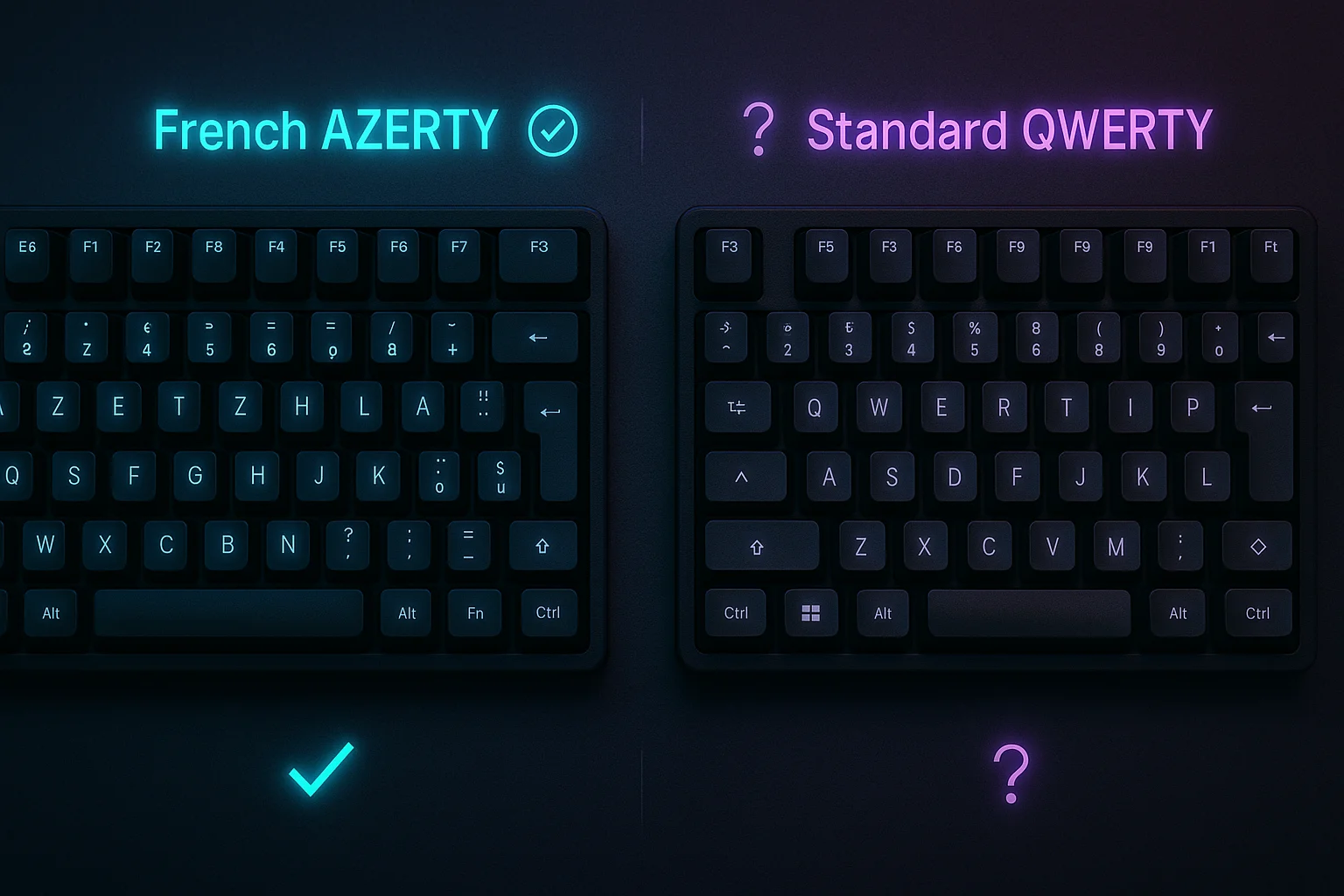
The French AZERTY layout stands as a question mark about its learning value in 2025. This review explains the layout logic and evaluates its advantages and disadvantages and explains accent typing while showing its practical application for daily usage to French language students and digital nomads and developers and international keyboard enthusiasts.
If you want to read the history of AZERTY then check this out.
This guide provides the most thorough introduction and practical evaluation of the French keyboard layout (AZERTY) for beginners seeking authentic information.
“The French keyboard layout which goes by AZERTY functions as a typing configuration primarily for French speakers and Belgian users who require quick access to accented characters and French punctuation. It caters to native French speakers together with language learners who require fast access to letters including é, ç, and à.”
What Is the French Keyboard Layout?
When you type French or buy a laptop from France you have likely seen the French keyboard layout which is called AZERTY. The initial appearance of the keyboard seems standard but the subtle differences become highly apparent and occasionally aggravating when you transition from QWERTY to this layout.
The first six letters on the top letter row of this keyboard layout give it its AZERTY name which functions similarly to how QWERTY names English keyboards. The keyboard layout incorporates special features that enable proper support for all French language characters and symbols and punctuation marks.
AZERTY operates as the default keyboard configuration in France and Belgium and various French-speaking African nations. The keyboard layout enables French writing efficiency through its strategic placement of accented vowels including é, è, à and consonants such as ç and its dedicated keys for standard French punctuation like « » .
English keyboard systems demand users to memorize alt codes and execute multiple key sequences but AZERTY layouts deliver a more straightforward and intuitive experience for fluent French typing.
“The French keyboard arrangement AZERTY serves as the primary keyboard system throughout France and all French-speaking regions. The layout enables users to type accented characters like é, à, and ç in a simple manner.“
Unboxing the AZERTY Layout – First Impressions
Most people will do a double-take when they first see a French AZERTY keyboard because it differs significantly from QWERTY layouts. Although the letters appear as expected the keyboard layout presents significant variations in key arrangements. When you first see an AZERTY keyboard the letters A and Q switch positions while Z and W positions also interchange. The M key has undergone a significant relocation since it now occupies a position to the right of L.
Many users find it unexpected how number keys work on this keyboard layout. The AZERTY keyboard layout requires Shift key access to type numbers which differs from English keyboard functionality. The row of unshifted numbers on this keyboard features accented characters and symbols such as & and é and ” and ‘ which appear frequently in French text.
Most AZERTY keyboards require users to press AltGr + 0 or AltGr + à to access the @ symbol instead of the Shift + 2 combination found in QWERTY keyboards. The @ symbol on most AZERTY keyboards requires users to press AltGr together with either 0 or à based on the system configuration. The adjustments to this keyboard layout may cause confusion to new users during their initial interactions.
💡 Visual Design and Feel
From a hardware perspective, AZERTY keyboards come in sleek designs just like any other. Manufacturers like Logitech, Dell, and Apple sell French regional models with AZERTY printed keycaps. The build quality usually mirrors their QWERTY counterparts, but what truly stands out is how purpose-built the layout feels once you start typing in French.
The accented characters and punctuation marks are not only present, they’re front and center. For a French writer, this layout makes daily typing smoother and more intuitive.
✅ Key Observations:
- Letter rearrangement: A/Q and Z/W swaps can throw off your muscle memory.
- Numbers require Shift: A huge surprise for most newcomers.
- Symbol placement: Common symbols like @, $, or / may be in unfamiliar spots.
- Punctuation convenience: Accented characters and quotation marks like « » are easier to access.
- AltGr is essential: It’s your gateway to hidden symbols.
“When you first use a French AZERTY keyboard, expect key positions to feel unfamiliar A, Q, Z, and W are rearranged, and numbers require the Shift key.”
Who Is the French Keyboard Layout For?
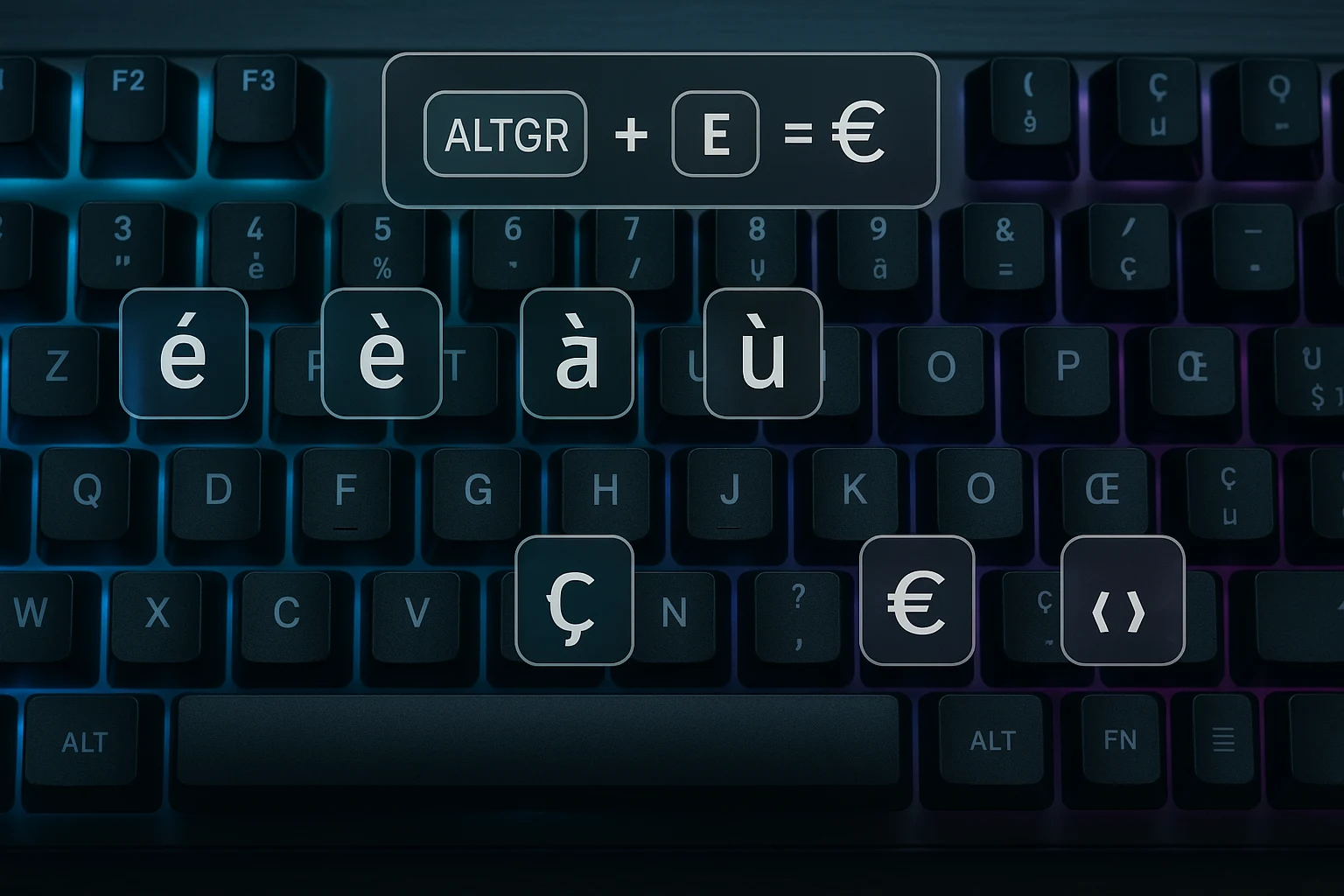
The French keyboard layout (AZERTY) isn’t just for people living in France, it’s designed with a specific user in mind: anyone who types in French regularly. Whether you’re a native speaker, a language learner, or someone working internationally, AZERTY may be the ideal layout to boost your productivity in French.
Let’s break down exactly who benefits most from using this layout:
🧑🏫 1. Native French Speakers
This one’s obvious. If you’ve grown up in France, Belgium, or a French-speaking region, the AZERTY layout is second nature. Schools, offices, libraries, and even public terminals all default to AZERTY. It’s deeply woven into the daily digital life of French natives.
🌍 2. French Language Learners
Whether you’re a student, traveler, or hobbyist learning French, the AZERTY layout makes it significantly easier to type accents and unique characters like é, è, à, ç, œ, and ù. No more copying and pasting or memorizing Alt codes.
🧳 3. Expats or Remote Workers in French-Speaking Countries
If you’re moving to France, Quebec, Belgium, or working remotely with French-speaking clients, AZERTY will likely be the default on most laptops and desktops. Adapting to it early can help avoid headaches down the road.
💻 4. Translators, Writers & Content Creators
Professionals working with multilingual content often find it easier to write authentic French copy on AZERTY layouts. It allows for accurate punctuation and direct use of native characters without external tools.
👨💻 5. International Developers and Bilingual Coders
While AZERTY isn’t ideal for programming (more on that later), bilingual developers who work with French documentation or localize software for French markets may still benefit from partial use of AZERTY in their workflow.
✅ Ideal Use Cases:
| User Type | Why AZERTY Works |
|---|---|
| Native French users | Default and intuitive |
| French learners | Easier typing of accents |
| Expats | Local standard in keyboards and systems |
| Multilingual writers | No need for external character tools |
| Translators/editors | Faster proofreading and French composition |
“The French AZERTY keyboard layout is best for native French speakers, language learners, expats, and anyone who types in French regularly.”
French AZERTY Keyboard: Pros and Cons
| 🔍 Feature | ✅ Pros | ⚠️ Cons |
|---|---|---|
| Accented Characters | Direct access to é, è, à, ç, ù speeds up accurate French typing. | May confuse users switching from QWERTY, especially for bilingual use. |
| French Punctuation Support | Includes « », œ, €, and other French-specific symbols. | Symbols like @ and / are placed differently, requiring relearning. |
| Typing Flow for French | Layout is optimized for common French word patterns and grammar. | Typing in English or coding can feel awkward or inefficient. |
| Standard in French-Speaking Regions | Used in schools, businesses, and public places across France and Belgium. | Not widely supported outside Francophone countries. |
| Built-in OS Compatibility | Works natively on Windows, macOS, Linux, no special software needed. | Switching between layouts on shared devices can lead to input errors. |
| Cultural Familiarity | Matches local education and professional environments. | Limits flexibility for international users who work in multiple languages. |
| Efficient French Writing | Ideal for writers, editors, and translators working in French daily. | AZERTY isn’t optimized for programming, where symbols like {} are frequent. |
“The French AZERTY keyboard layout is great for typing accented characters and native punctuation, but it’s less ideal for English users or programmers due to symbol placement differences.”
How to Type Accents and Symbols in AZERTY
The AZERTY layout is specifically crafted to make typing French characters seamless. Whether you’re working on a French novel or sending a quick email, knowing how to use accented letters and special symbols is essential.
Here’s everything you need to know:
📌 Common Accented Letters and Their Key Positions
| Character | Key Placement on AZERTY |
|---|---|
| é | Direct key (top row, 2nd from left) |
| è | AltGr + è or direct key |
| à | Direct key near Enter |
| ù | Direct key near left Shift |
| ç | Direct key (often near “Enter” or “M”) |
These are readily available without complex shortcuts, making AZERTY ideal for fluent French typing.
⌨️ Using AltGr for Extra Symbols
The AltGr key (often the right Alt key) opens access to more characters:
| Character | Key Combo |
|---|---|
| œ | AltGr + o |
| æ | AltGr + a |
| € | AltGr + e |
| « » | AltGr + z and AltGr + x |
AltGr is essential for accessing the extended French symbol set.
💬 What Are Dead Keys?
Dead keys don’t print a character immediately. Instead, they modify the next character typed.
For example:
- Pressing
^(caret) followed bye= ê - Pressing
¨(diaeresis) followed byu= ü
This method allows for flexible accent creation.
📋 Table: French AZERTY Key Combinations for Accents & Symbols
| Output | Key Combination | Use Case |
|---|---|---|
| é | Direct key | Common French words like été |
| è | AltGr + è or Grave key | Words like très, père |
| à | à key | à bientôt, là-bas |
| ç | ç key | garçon, leçon |
| œ | AltGr + o | sœur, cœur |
| € | AltGr + e | Currency symbol |
| « » | AltGr + z and AltGr + x | French quotes |
| ê, â | ^ then e or a | Circumflex accents |
| ü, ï | ¨ then u or i | Diaeresis |
“To type accents on a French keyboard, use dedicated keys like é or shortcuts with AltGr or dead keys for letters like à, ç, or œ.
Using the AZERTY Layout on Windows and Mac
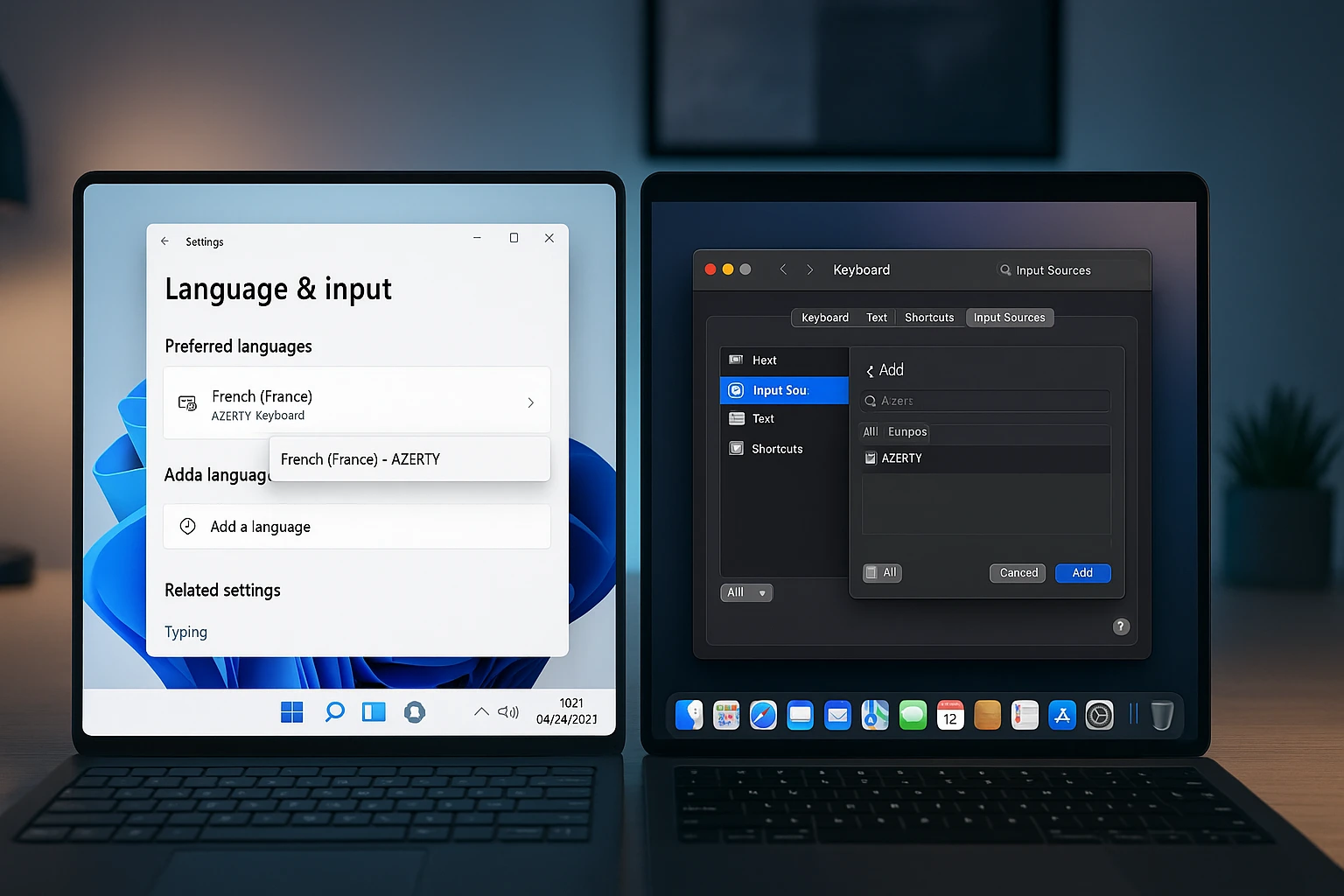
Switching to the French AZERTY keyboard layout is easy, whether you’re using Windows or macOS. This section will guide you through enabling the layout, quickly switching between languages, and fixing any common hiccups.
🖥️ How to Enable French Keyboard Layout (Windows & Mac)
On Windows 10/11:
- Go to Settings > Time & Language > Language & Region
- Click “Add a Language” and search for “French (France)”
- Select it and click Next, then install
- Once added, go to Options > Add a keyboard and choose “French” (AZERTY)
On macOS:
- Open System Settings > Keyboard > Input Sources
- Click the “+” button
- Search and select “French” (look for AZERTY preview)
- Click Add
✅ Now, you can start typing in AZERTY instantly.
🔄 Quickly Switching Between Keyboard Layouts
When working in multiple languages, fast switching is essential.
- Windows shortcut:
Alt + Shift(orWin + Spaceif set) - Mac shortcut:
Cmd + Space(or customize it in System Preferences)
💡 Pro Tip: Set up a taskbar input indicator so you always know which layout is active.
⚠️ Common Troubleshooting Tips
| Issue | Solution |
|---|---|
| Keyboard not responding as expected | Check if the correct layout is selected from the language bar |
| Wrong characters appearing when typing | Switch back to AZERTY using Alt + Shift or confirm input settings |
| Cannot find French layout | Ensure you’re adding “French (France)”, not French from other regions |
| Accent keys not working | Try disabling “Sticky Keys” or check if the correct language pack is active |
“To use the French keyboard layout, go to your system’s language settings and add French as an input method. Then switch between layouts using Alt + Shift or Cmd + Space.”
Real-World Use Review: Typing, Productivity & Workflow
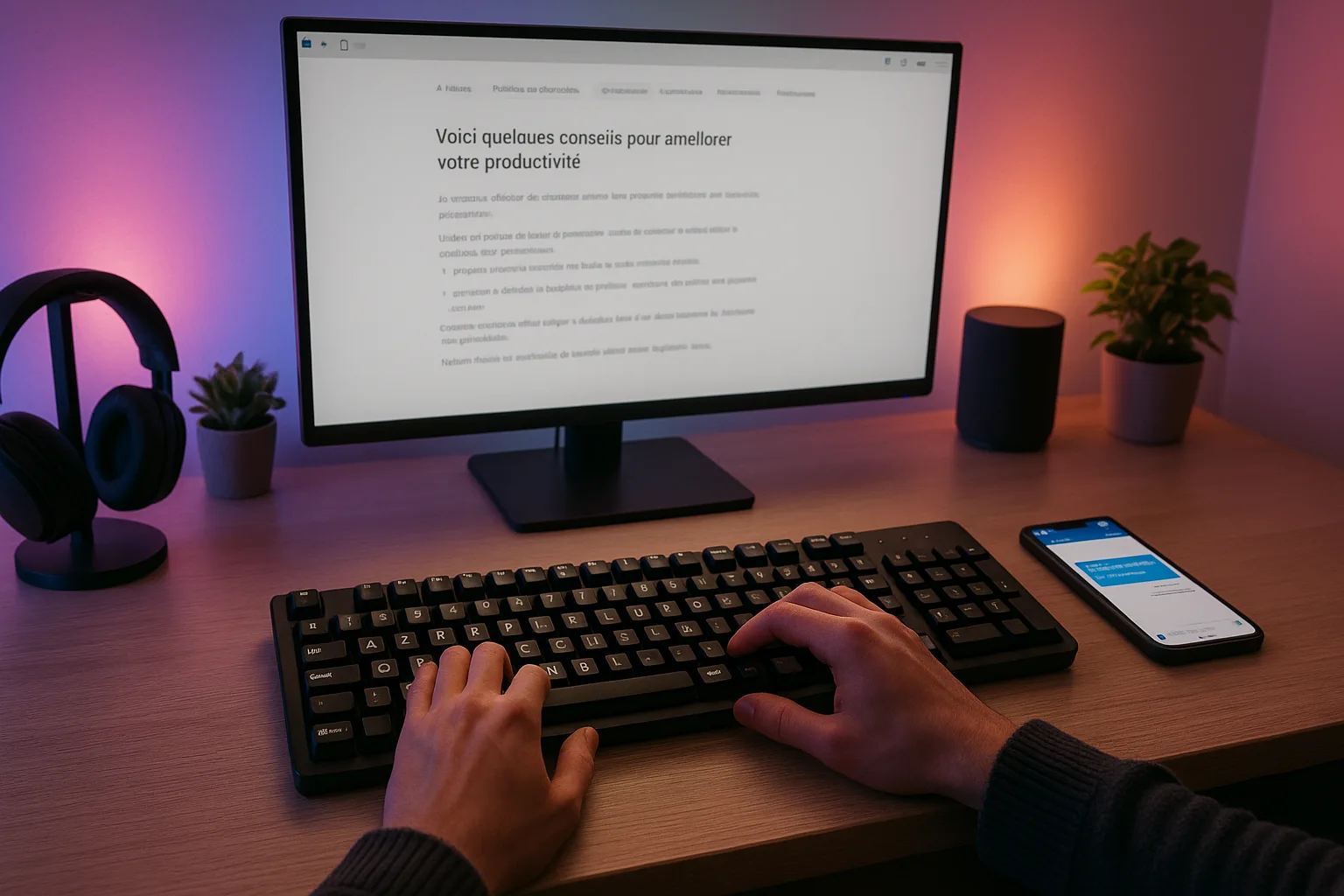
Switching to the French AZERTY layout comes with a bit of a learning curve, especially for those used to QWERTY. But how does it actually perform in real-world typing and productivity tasks?
⌨️ Typing Speed and Accuracy After Adapting
For native French speakers or those learning the language, typing becomes significantly faster once muscle memory develops. Most accented characters are placed intuitively, making it easier to write grammatically correct French without relying on character maps or copy-paste workarounds.
After 1–2 weeks of consistent use, most users report:
- Fewer typing errors in French
- More natural flow when writing full sentences
- Better punctuation placement thanks to native symbols like « » and € keys
📝 Suitability for Daily Writing and Messaging
The AZERTY layout shines when used in its native context:
- Writing emails in French
- Messaging on platforms like WhatsApp, Discord, or Slack
- Creating documents or filling forms where accents matter
For frequent writers or students, it’s a must-have layout when writing French essays, papers, or articles.
💼 Is It Efficient for Emails, Blogging & Document Writing?
Yes—with some caveats. If you type in both French and English, you might experience minor slowdowns when switching between layouts or locating special characters like quotes or @ symbols (which are in different positions).
However, for pure French writing, the AZERTY layout is unmatched in efficiency and clarity.
✍️ Use-Case Comparison: Typing in French vs English
| Task | AZERTY (French) | Efficiency |
|---|---|---|
| Writing in French | Excellent | ✅ Optimized for accents and symbols |
| Writing in English | Moderate | ⚠️ Slower due to different punctuation placements |
| Bilingual tasks | Good (with toggle) | 👍 Fast if using layout switch shortcuts |
Is the French Keyboard Layout Worth Using in 2025?
As we reach 2025, global communication is more multilingual than ever. Is it still worth adopting the AZERTY layout today?
✅ Summary of Pros and Cons
| Pros | Cons |
|---|---|
| Native support for French characters | Not ideal for English typing |
| Improved typing flow for French sentences | Punctuation symbols like @ and ! are in different positions |
| Easy access to €, œ, ç, and accented letters | Can be confusing for beginners |
| Available on both Windows and macOS | Requires adjustment period |
🧑💻 Who It’s Really For
- Native French speakers
- Students learning French
- Content writers and bloggers writing in French
- Translators and localization experts
❓ Is It Worth Learning If You’re Not French?
If you’re learning French or frequently interact with French content—yes. But if you only occasionally use the language, you may be better off installing it as a secondary layout and switching when needed.
✔️ Final Verdict
Yes, the French keyboard layout is worth it if you’re typing regularly in French. It saves time, reduces errors, and enhances fluency.
Thinking about switching? Try the AZERTY layout via your OS settings before investing in a physical French keyboard.
Final Thoughts: Should You Try the French Keyboard Layout?
If you’re exploring the French language, living in France, or simply need to type French regularly, the AZERTY layout is tailored to your needs.
💡 Who Should Definitely Give It a Shot?
- French learners and language enthusiasts
- Students in French courses
- Freelancers writing for French clients
- Travelers moving to French-speaking countries
🚫 Who Might Skip It?
- Native English speakers who rarely type in French
- Users focused on programming or data entry (QWERTY might suit better)
🎁 Bonus Tip
Not ready to buy a French keyboard? Use the virtual keyboard in your system settings or test AZERTY digitally before switching your physical layout.
Frequently Asked Questions (FAQs)
Do French use QWERTY or AZERTY?
French users primarily use the AZERTY keyboard layout, not QWERTY. AZERTY is the standard in France and most French-speaking regions, designed to support accented characters like é, è, à, and ç.
How do I type French on my English keyboard?
You can type French on an English QWERTY keyboard by using Alt codes (e.g., Alt + 130 for é), switching to the French layout in your system settings, or enabling the US International layout to access accents using shortcuts.
What is the keyboard layout in French?
The French keyboard layout is known as AZERTY. It rearranges keys to make French-specific characters like é, ç, and œ more accessible and is the official layout used in France.
How to type on AZERTY?
On an AZERTY keyboard, type accents using dedicated keys (é, à) or special combinations. Use AltGr for characters like € or œ, and dead keys for accents (e.g., ^ + e = ê). This makes French typing quicker and more intuitive.
Is AZERTY harder to use than QWERTY?
AZERTY can be less familiar for non-French speakers since punctuation and symbols are arranged differently. However, it’s more efficient for writing in French due to its direct access to accented letters and native symbols.
📌 Final Call to Action:
Thinking about switching? Try the French keyboard layout in your language settings today and explore a whole new way of typing fluently in French.