Wireless gaming is now part of everyday gaming setups. Gamers use wireless mouse, keyboards, and headsets to keep their desks clean and flexible. But when it comes to performance, not all wireless technologies behave the same during gameplay.
Many gamers struggle to choose between Bluetooth and 2.4GHz wireless. Both are popular, yet they feel different in real games. Small delays, lag, or unstable connections can affect aim, movement, and reaction time. That is why understanding Bluetooth vs 2.4GHz matters for gaming performance.
In this guide, you will learn how Bluetooth and 2.4GHz wireless compare in real gaming situations. We will look at latency, stability, and overall gameplay experience to help you choose the right option for gaming.
What Is Bluetooth and How Does It Work for Gaming
Bluetooth is a wireless technology that connects gaming devices without cables. It is built into most PCs, laptops, and consoles, which makes it easy to use. Many gamers choose Bluetooth because it does not need a dongle and works right out of the box.
For gaming, Bluetooth sends data between the device and the system using shared wireless signals. This process is designed to save power and keep the connection stable for everyday use. However, gaming needs fast responses, and this is where Bluetooth behavior becomes important to understand.
Bluetooth works well for basic gaming tasks, but its performance can change based on the type of game and device being used. This is why gamers often notice different results during real gameplay.
Bluetooth Performance in Gaming Scenarios
In real gaming situations, Bluetooth performance depends on how fast the game reacts to player input. Casual games usually feel smooth, but fast games can expose small delays.
Bluetooth gaming performance is commonly affected by:
- Slight input lag in fast-paced games
- Delay between action and on-screen response
- Audio delay in wireless gaming headsets
- Shared wireless interference from other devices
For casual or single-player games, these issues are often not noticeable. But in competitive gaming, even small delays can affect aiming, timing, and reaction speed. This is why Bluetooth feels different in FPS or racing games compared to slower titles.
What Is 2.4GHz Wireless and Why Gamers Use It
2.4GHz wireless is a gaming-focused connection that uses a dedicated USB receiver. This receiver creates a direct link between the gaming device and the system. Because the connection is dedicated, it is designed to respond faster than general wireless options.
Gamers prefer 2.4GHz wireless because it focuses on performance instead of power saving. The signal is stable, consistent, and built for real-time input. This makes it popular in gaming mouse, keyboards, and wireless headsets where fast response matters.
Unlike Bluetooth, 2.4GHz wireless is tuned for gaming sessions that last for hours. It handles quick movements, repeated inputs, and fast reactions more smoothly during gameplay.
2.4GHz Wireless Performance in Gaming
In real gaming scenarios, 2.4GHz wireless performs close to wired devices. The response feels instant, which helps in competitive games where timing is critical.
2.4GHz wireless gaming performance stands out because of:
- Very low input lag during gameplay
- Fast and stable response in FPS and racing games
- Reliable connection in long gaming sessions
- Better control for precise movements
For competitive gamers, this consistency makes a noticeable difference. Actions feel more accurate, movements stay smooth, and gameplay feels more controlled. This is why many serious gamers choose 2.4GHz wireless over Bluetooth.
Bluetooth vs 2.4GHz for Gaming Performance
Gaming performance depends on how quickly your actions appear on the screen. Even a small delay can change how smooth a game feels. This makes wireless performance very important for gamers.
Bluetooth and 2.4GHz wireless both remove cables, but they handle gaming data in different ways. Bluetooth is designed for power saving and general use, while 2.4GHz wireless focuses on speed and stable performance. This difference becomes clear during real gameplay.
To decide which option works better, latency and responsiveness must be compared.
Latency and Input Lag Comparison
Latency is the time it takes for your input to reach the game. Lower latency means faster reactions and better control.
Bluetooth usually has more input lag because it shares wireless signals and processes data slowly. 2.4GHz wireless uses a dedicated receiver, which allows data to move faster and more consistently.
Latency Comparison Table for Gaming
| Feature | Bluetooth | 2.4GHz Wireless |
| Input response | Slight delay | Almost instant |
| Reaction time | Slower in fast games | Very fast |
| Competitive gaming | Not ideal | Highly suitable |
| Wired-like feel | No | Yes |
These differences are small on paper but very noticeable in fast-paced games.
Responsiveness in Real Gameplay
Responsiveness describes how natural the controls feel during gaming. Smooth movement and accurate timing matter most in competitive play.
In casual games, Bluetooth often feels fine. But in FPS and racing games, delays become noticeable. 2.4GHz wireless keeps actions tight and consistent, which helps with aiming, movement, and quick reactions.
Gamers who want stable performance and fast control usually prefer 2.4GHz wireless for this reason.
Bluetooth vs 2.4GHz for Gaming Mouse and Keyboard
A gaming mouse and keyboard depend on speed and accuracy. Every movement and key press must reach the game without delay. This makes wireless technology very important for gaming performance.
Bluetooth and 2.4GHz wireless are both popular, but they behave differently in gaming. Bluetooth is designed for comfort and low power use, while 2.4GHz wireless is designed for fast input and stable control. This difference becomes clear when playing fast-paced games.
For serious gamers, even small delays in mouse movement or key response can affect gameplay.
Polling Rate and Input Accuracy
Polling rate shows how often a device sends input data to the system. Higher polling rates give smoother movement and better accuracy.
Bluetooth devices usually work with lower polling rates. This can cause small delays when moving the mouse quickly or pressing keys repeatedly. 2.4GHz wireless devices use higher polling rates, which makes control feel faster and more precise.
Mouse and Keyboard Performance Comparison
| Feature | Bluetooth | 2.4GHz Wireless |
| Polling rate | Lower | Higher |
| Mouse movement | Slight delay | Smooth and fast |
| Key response | Slower in fast inputs | Very responsive |
| Accuracy in games | Average | High |
| Competitive gaming | Not ideal | Preferred |
These differences matter most in FPS and action games where fast reactions are required.
Office and Gaming Hybrid Use
Many users use the same mouse and keyboard for work and gaming. In this case, ease of use and performance both matter.
Bluetooth devices are easy to connect and switch between multiple devices. They work well for typing, browsing, and office tasks. However, during gaming, they may not feel as responsive.
2.4GHz wireless devices focus more on gaming performance. They usually connect to one system using a receiver but offer better control and stability.
| Use Case | Bluetooth | 2.4GHz Wireless |
| Office work | Very good | Good |
| Multi-device switching | Easy | Limited |
| Casual gaming | Acceptable | Very good |
| Competitive gaming | Weak | Strong |
For users who play competitive games, 2.4GHz wireless is often the better choice.
Bluetooth vs 2.4GHz for Gaming Headsets
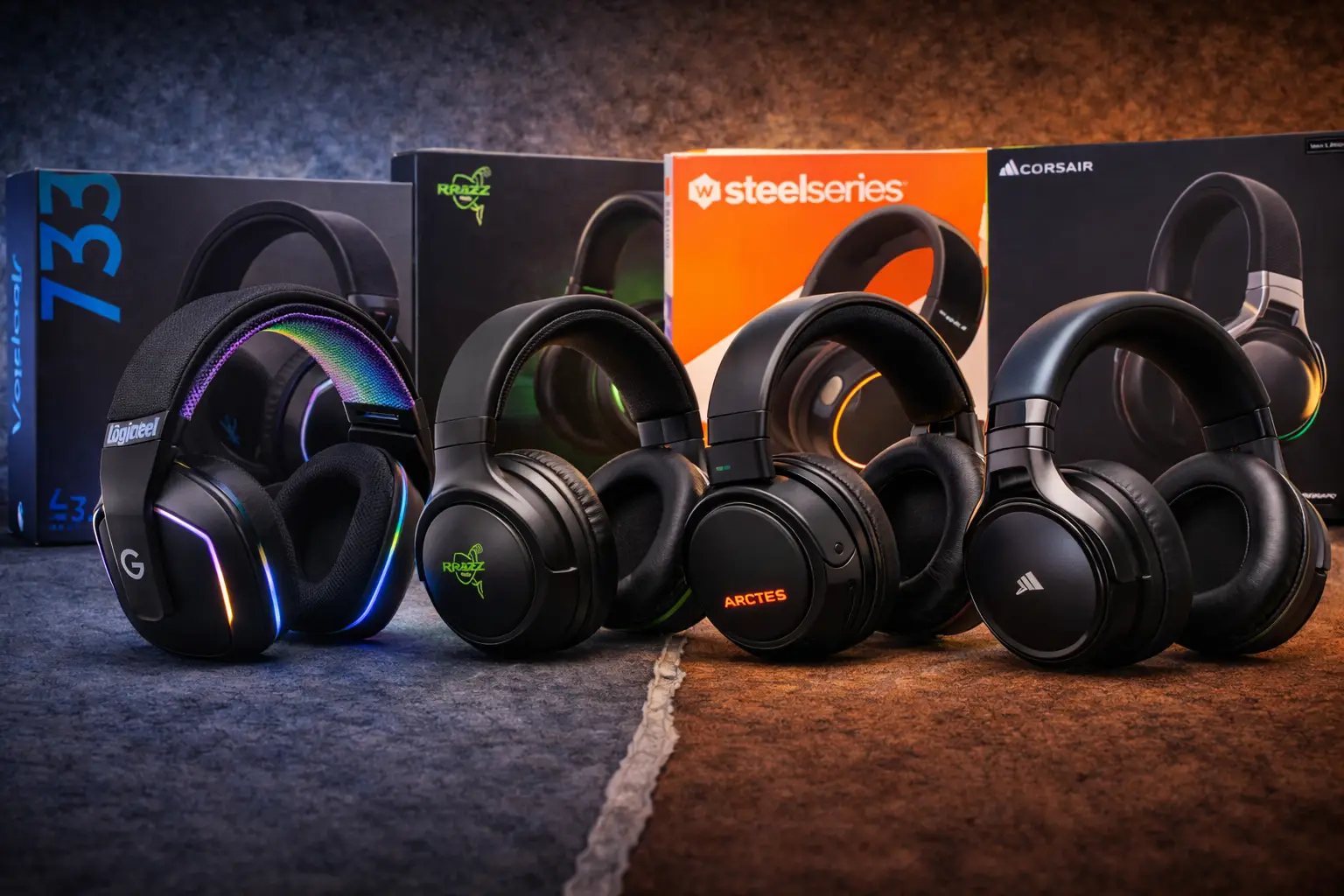
Gaming headsets are not only about sound quality. Timing also matters. In games, audio must match what happens on the screen. Even a small delay between sound and action can break immersion or cause missed reactions.
Bluetooth and 2.4GHz wireless headsets both remove cables, but they handle audio very differently. Bluetooth focuses on battery life and wide compatibility. 2.4GHz wireless headsets focus on fast audio delivery and stable performance during gameplay.
For gamers, audio delay and voice clarity are key factors when choosing a wireless headset.
Audio Latency and Sound Sync
Audio latency is the delay between an in-game action and the sound you hear. In gaming, this affects footsteps, gunshots, and other important cues.
Bluetooth headsets often compress audio to save power. This can create a noticeable delay in fast games. 2.4GHz wireless headsets send audio through a dedicated receiver, which keeps sound more in sync with gameplay.
Audio Latency Comparison Table
| Feature | Bluetooth | 2.4GHz Wireless |
| Audio delay | Noticeable | Very low |
| Sound sync with gameplay | Sometimes off | Very accurate |
| FPS and action games | Less reliable | Highly reliable |
| Immersion level | Medium | High |
These differences are more noticeable in competitive games where sound timing matters.
Microphone and Voice Chat Quality
Clear voice chat is important for team-based games. Teammates need to hear instructions without delay or distortion.
Bluetooth microphones may sound compressed and can introduce slight delays during voice chat. This is usually fine for casual play but can feel limiting in competitive matches. 2.4GHz wireless headsets offer clearer voice quality and faster voice transmission.
Voice Chat Performance Comparison
| Feature | Bluetooth | 2.4GHz Wireless |
| Mic clarity | Average | Clear |
| Voice delay | Slight delay | Minimal delay |
| Team communication | Acceptable | Strong |
| Competitive gaming | Not ideal | Preferred |
For gamers who rely on voice chat, 2.4GHz wireless headsets provide a more reliable experience.
Connectivity Stability During Long Gaming Sessions
Long gaming sessions need a stable wireless connection. When a signal drops or becomes unstable, it can cause lag, audio cuts, or delayed input. This can ruin gameplay, especially during competitive matches.
Bluetooth and 2.4GHz wireless handle long sessions differently. Bluetooth shares wireless space with many devices, which can affect stability over time. 2.4GHz wireless uses a dedicated receiver, which helps keep the connection steady during extended gameplay.
For gamers who play for hours, connection stability becomes just as important as speed.
Signal Drops and Interference Issues
Wireless interference happens when multiple devices use the same signal space. This can cause delays or brief disconnections during gameplay.
Bluetooth is more sensitive to interference because it works alongside many nearby devices. This can lead to small signal drops in busy environments. 2.4GHz wireless manages interference better by maintaining a direct connection.
| Feature | Bluetooth | 2.4GHz Wireless |
| Signal stability | Moderate | High |
| Interference resistance | Lower | Strong |
| Long session reliability | Average | Very reliable |
| Competitive gaming use | Limited | Preferred |
These differences are more noticeable in crowded spaces with many wireless devices.
Range and Room Coverage
Range affects how far you can move while gaming without losing connection. This matters for living room gaming or large desk setups.
Bluetooth usually offers decent range but may lose strength through walls or obstacles. 2.4GHz wireless provides more consistent coverage within the same room, especially when using a receiver.
For gamers who stay close to their setup, both options work fine. For stable performance across the room, 2.4GHz wireless often performs better.
When Bluetooth Is Good Enough for Gaming
Bluetooth is not always bad for gaming. In some situations, it works just fine and gives a smooth experience. The key is knowing when Bluetooth fits your gaming style.
For gamers who do not play competitive games, Bluetooth can be a practical choice. It offers ease of use, good battery life, and simple connectivity without extra hardware.
Casual and Single Player Gaming
Casual games do not require fast reactions or perfect timing. In these games, small delays are often not noticeable.
Bluetooth works well for:
- Story based games
- Turn based games
- Puzzle and simulation games
- Casual controller gaming
For these types of games, Bluetooth provides a comfortable and stress free experience.
Laptop and Travel Gaming Setups
Bluetooth is also useful for gamers who move around or play on laptops. It connects easily without needing a receiver.
Bluetooth is a good choice for:
- Laptop gaming on the go
- Shared work and gaming devices
- Travel setups with limited USB ports
- Clean and simple desk setups
In these cases, the convenience of Bluetooth matters more than maximum performance.
When 2.4GHz Wireless Is the Better Choice
2.4GHz wireless is built for gamers who care about speed and control. It focuses on fast input, stable connections, and smooth gameplay. For many gamers, this makes a clear difference during play.
When games demand quick reactions and precise timing, 2.4GHz wireless performs better than Bluetooth. This is why it is widely used in gaming devices made for performance.
Competitive and Esports Gaming
Competitive gaming needs low latency and accurate input. Every movement and click must register instantly.
2.4GHz wireless is better for:
- Esports level gameplay
- Ranked and competitive matches
- Fast reaction based games
- High skill gaming sessions
For competitive players, the stable and fast response of 2.4GHz wireless helps maintain consistent performance.
Fast Paced Games Like FPS and Racing
FPS and racing games depend on timing and precision. A small delay can affect aim, steering, or braking.
2.4GHz wireless performs well because:
- Input feels instant
- Movement stays smooth
- Controls remain consistent
- Gameplay feels close to wired devices
For gamers who play fast paced titles, 2.4GHz wireless is usually the better choice.
Bluetooth vs 2.4GHz Comparison for Gamers
Choosing between Bluetooth and 2.4GHz wireless becomes easier when the differences are placed side by side. Both technologies remove cables, but they serve different gaming needs.
This comparison helps gamers quickly see which option fits their play style, device type, and performance expectations.
| Feature | Bluetooth | 2.4GHz Wireless |
| Gaming latency | Higher | Very low |
| Input responsiveness | Moderate | Fast and smooth |
| Audio delay | Noticeable in fast games | Minimal |
| Connection stability | Average | Very stable |
| Battery life | Longer | Shorter |
| Competitive gaming | Not recommended | Highly recommended |
| Casual gaming | Good | Very good |
| Setup convenience | Easy | Requires receiver |
This table shows that Bluetooth focuses more on convenience and battery life, while 2.4GHz wireless focuses on speed and stability. For gaming where performance matters, 2.4GHz wireless clearly stands out.
Conclusion
Both Bluetooth and 2.4GHz wireless have their place in gaming. The right choice depends on how you play and what you expect from your setup.
Bluetooth works well for casual gaming, single player games, and laptop setups. It offers good battery life and easy connection, which makes it useful for everyday gaming needs. For slow paced games, Bluetooth performance is usually good enough.
2.4GHz wireless is the better option for serious gamers. It delivers lower latency, faster response, and stable connections during long gaming sessions. For competitive games, FPS titles, and racing games, 2.4GHz wireless provides smoother and more reliable gameplay.
In simple terms, Bluetooth focuses on convenience, while 2.4GHz wireless focuses on performance. Gamers who care about winning and precision should choose 2.4GHz wireless, while casual players can enjoy Bluetooth without major issues.
Frequently Asked Questions
Is Bluetooth good for gaming?
Bluetooth is fine for casual and single player games where fast reaction time is not critical. For competitive gaming, Bluetooth can feel slower because of higher latency.
Is 2.4GHz better than Bluetooth for gaming?
Yes, 2.4GHz wireless is better for gaming. It offers lower input lag, faster response, and more stable performance, especially in FPS and racing games.
Why do gamers prefer 2.4GHz wireless over Bluetooth?
Gamers prefer 2.4GHz wireless because it responds faster and stays more stable during gameplay. The dedicated receiver helps reduce lag and keeps controls smooth.
Does Bluetooth cause lag in gaming?
Bluetooth can cause small delays in fast paced games. This lag is usually not noticeable in casual gaming but becomes clear in competitive gameplay.
Do professional gamers use Bluetooth devices?
Most professional gamers do not use Bluetooth devices. They choose 2.4GHz wireless or wired setups for better speed, accuracy, and reliability.