When you build or buy a gaming PC, there’s always this small worry about how long it will keep performing well. I’ve gone through many builds over the years, and every time a new game arrives, I can feel my PC pushing a little harder. It’s a normal feeling for anyone who spends time gaming and watching hardware change so quickly.
A gaming PC doesn’t just stop working one day, but it slowly shows signs that it’s getting older. New games begin to struggle, fans get louder, and the system no longer feels as smooth as before. Knowing the real lifespan helps you plan upgrades the right way and avoid wasting money.
In this guide, I’ll walk you through how long gaming PCs really last, what affects their life, and the smart moves that keep a rig running strong for years. I’ll keep things simple and based on real experience, so you know exactly what to expect as a gamer.
How Long Do Gaming PCs Last?
A gaming PC usually lasts three to five years for most players, while high end builds can stay strong for more than five years before showing real slowdowns. With the right upgrades like a new GPU, better cooling, or extra RAM, many gaming rigs stay useful for close to ten years. The actual lifespan depends on game demand, heat control, and how well you maintain the system, so a cared-for PC always performs longer and stays stable.
Here are the quick lifespan points
- Mid range PC lifespan around three to five years
- High end gaming PC lifespan often five to seven years
- With upgrades a PC can stay useful for up to ten years
Core Factors That Decide a Gaming PC’s Lifespan
Many people think a gaming PC lasts a fixed number of years, but the truth is different parts age at different speeds. Each component carries its own load, and the way you use your system changes how long it stays fast. When you understand what affects lifespan, you can predict performance drops and make smarter upgrade choices.
If you want to buy a gaming pc online, check this.
GPU Power and Aging Curve
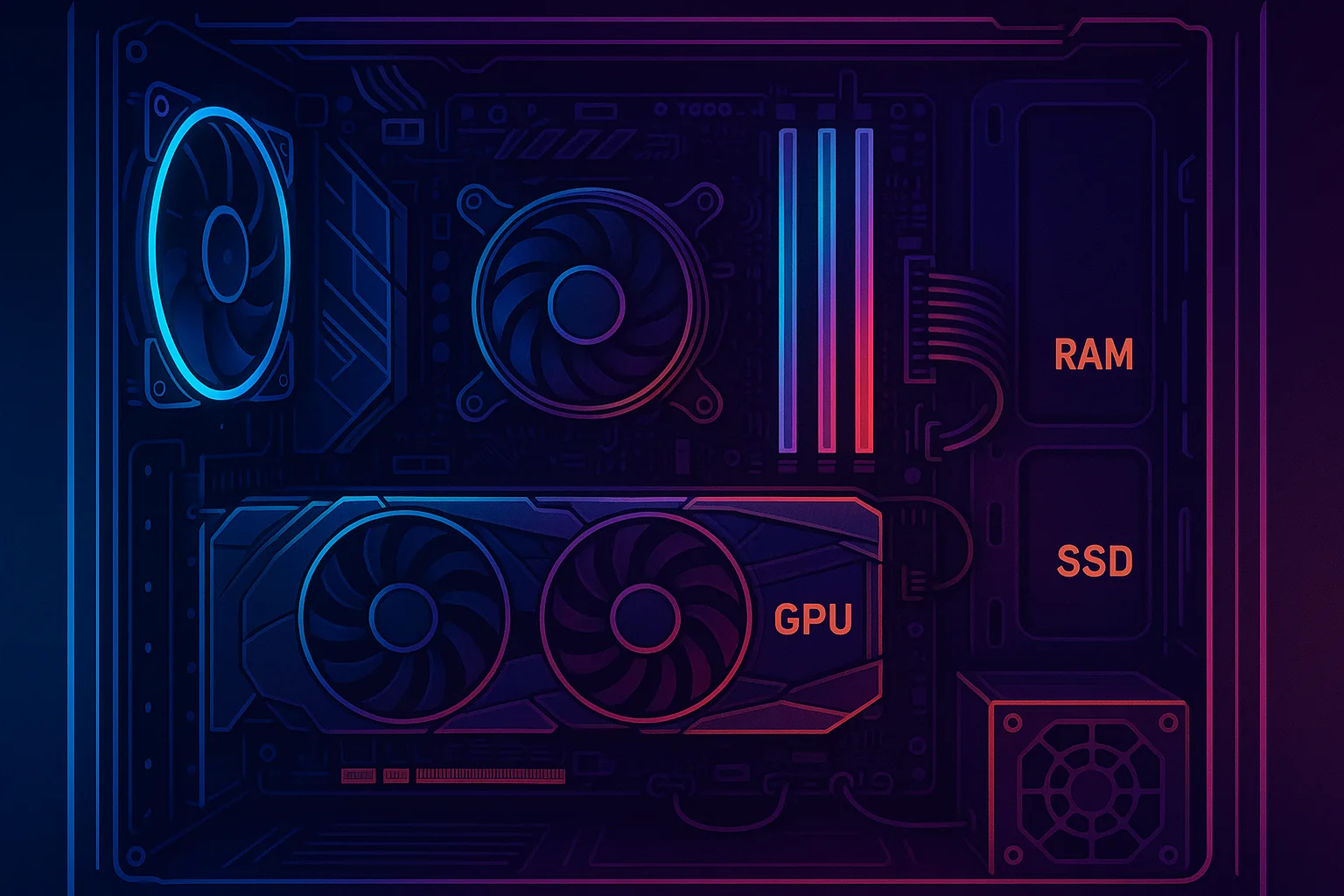
The GPU carries most of the gaming load because every modern game depends heavily on graphics power. This part becomes outdated faster than any other because new titles push for higher resolution, better textures, and improved lighting.
A GPU ages faster when
- You play demanding AAA titles regularly
- You use ultra settings all the time
- Your card runs hot for long hours
A quick comparison of common GPU age behavior
| GPU Type | Typical Useful Years | When it Slows Down |
| Entry Level | 2 to 3 years | Struggles with new games early |
| Mid Range | 3 to 5 years | Medium settings become needed |
| High End | 5 to 7 years | Still handles most titles well |
CPU Performance Over the Years
The CPU usually lasts longer because it doesn’t get outdated as quickly as the GPU. Still, game engines grow heavier, and older CPUs face bottlenecks when newer titles require stronger cores and faster processing speeds.
A CPU ages when
- Newer games depend more on multi core setups
- The system reaches 100 percent usage often
- Old architecture falls behind modern standards
Simple CPU lifespan table
| CPU Tier | Useful Lifespan | Notes |
| Old Dual Core | 2 to 3 years | Not enough for modern games |
| Mid Range Quad Core | 4 to 6 years | Good for most titles |
| High End Multi Core | 6 to 10 years | Long running performance |
Temperature Management and Cooling Quality
Heat is the biggest enemy of every gaming PC. When the system runs hot for long hours, parts wear out faster. A good cooling setup keeps temperatures stable and prevents slowdowns.
Good cooling helps when
- Airflow is clean and dust free
- Fans are strong enough for your hardware
- Thermal paste is replaced on time
Signs of weak cooling
- Fans always loud
- Sudden FPS drops
- System getting warm even on low load
Power Supply Quality & System Stability
A strong power supply protects every part of your system. A weak or cheap power supply can shorten the life of your PC by causing unstable voltage, random shutdowns, or even damage during load spikes.
A good PSU supports longer life when
- It has proper wattage for your GPU
- It uses quality components
- It runs cool and steady under load
Approximate PSU lifespan
| PSU Quality | Lifespan | Safety Level |
| Low Quality | 2 to 3 years | High failure risk |
| Mid Range | 4 to 6 years | Stable for normal builds |
| High End | 6 to 8 years | Safe for long term gaming |
Usage Patterns (Casual vs Heavy Gaming)
How you use your PC decides how fast it gets older. A gaming PC used for heavy play every day will age faster than a setup that handles casual gaming and light tasks.
Usage impact
- Heavy AAA gaming causes early wear
- Streaming and video editing add extra load
- Medium settings help keep hardware healthy
Component-by-Component Lifespan Breakdown
| Component | Average Lifespan | What Affects It | Signs It Is Getting Old | Upgrade Impact |
| GPU | 3 to 7 years | Game demand, heat, VRAM | Lower FPS, stutters, high temps | Biggest boost in gaming |
| CPU | 5 to 10 years | Core count, architecture | High usage, bottlenecks | Smooth gameplay in new titles |
| RAM | 8 to 12 years | Capacity, speed | Stuttering, slow multitasking | Faster loading and stability |
| SSD | 5 to 10 years | Write cycles, storage use | Slower boot or loading | Quick overall system speed |
| HDD | 4 to 7 years | Moving parts, heat | Clicking sounds, slow loads | Huge upgrade to SSD experience |
| PSU | 5 to 7 years | Load, quality, heat | Random shutdowns, noise | Safety and stable performance |
| Motherboard | 7 to 10 years | Power stability, heat | Ports failing, RAM issues | Supports future upgrades |
| Cooling System | 3 to 6 years | Dust, fan quality | High temps, loud noise | Longer life for all parts |
Clear Signs Your Gaming PC Is Nearing Its End
Here are some clear signs your pc Is aging
- Games that once ran smooth now drop FPS in busy scenes
- Long loading screens even with lighter titles
- Fans stay loud because the system heats up faster
- Stutters appear during gameplay when the GPU struggles
- CPU usage reaches the top on modern games
- Apps take longer to open and multitasking feels slow
- System freezes or random crashes happen more often
- Temperatures rise quickly even at medium settings
Read this Review: How Long Do Gaming Laptops Last? A Real‑World Lifespan Guide
Quick Performance Check Table
| Sign | What It Means | What You Should Do |
| FPS drop | GPU aging | Lower settings or plan a GPU upgrade |
| Slow loading | Storage getting old | Move to SSD or clean space |
| Loud fans | Cooling problems | Clean fans and improve airflow |
| CPU at 100 percent | CPU bottleneck | Close background apps or consider upgrade |
| Random crashes | PSU or overheating | Check temps, PSU health, and dust buildup |
Upgrade or Replace? The Smart Choice for Gamers
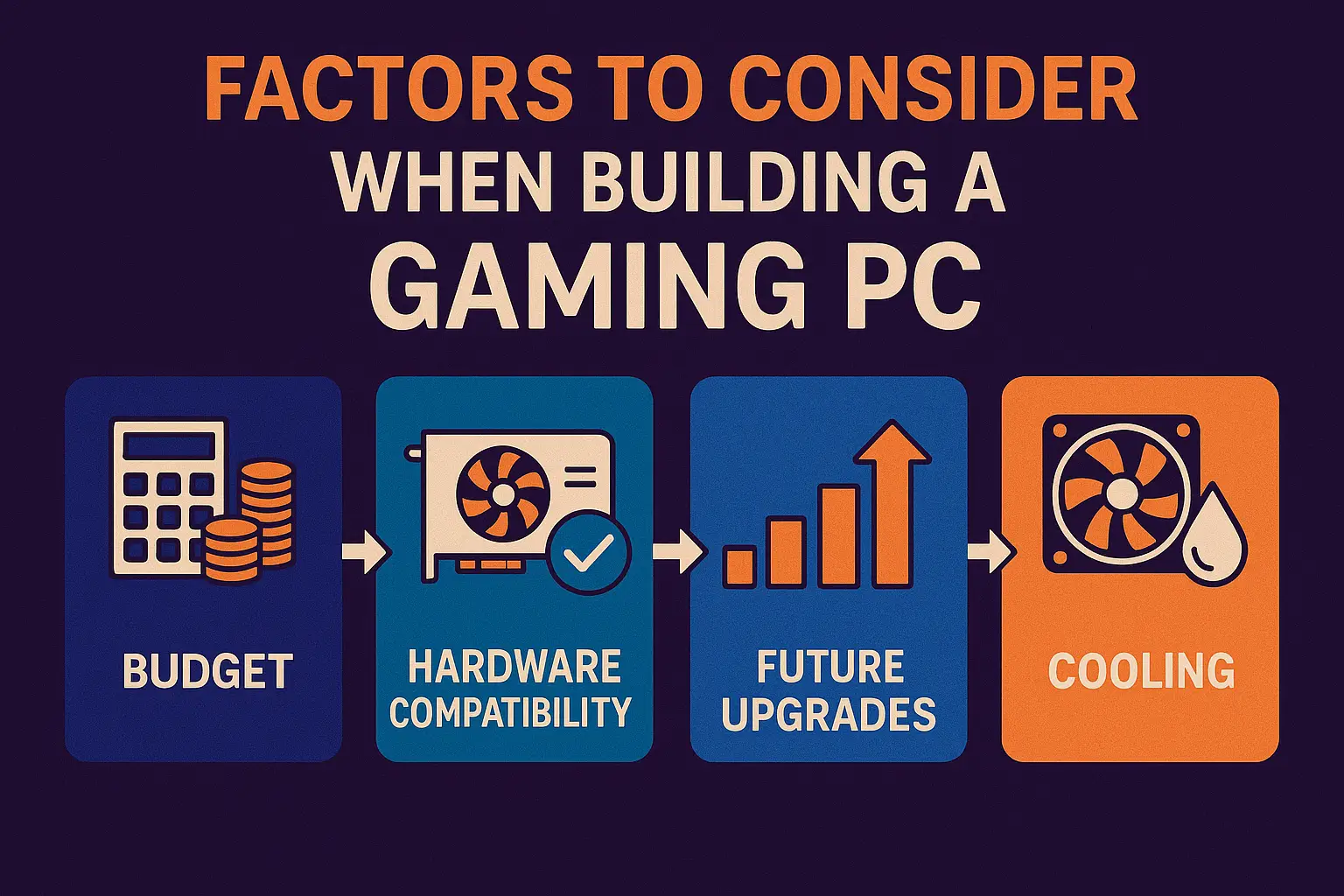
Every gamer reaches a point where the PC feels a little slow, and the big question comes in: fix it with a small upgrade or start fresh with a new build? The best choice depends on how old the parts are and how much performance you want from modern games. A clear look at your hardware makes the decision easier and helps you save money.
When an Upgrade Is Enough
Sometimes your gaming PC only needs a small push to feel fast again. If the main parts are still strong, a few smart upgrades can bring the system back to life without spending too much money.
Upgrades that work well
- GPU swap when new games struggle
- More RAM to reduce stutter and improve multitasking
- Switching to SSD for faster loading and smooth system response
- Better cooling to control heat and keep parts healthy
If you want to buy a new gpu firstly read this review then buy.
When a New PC Is the Better Investment
A full replacement becomes the smarter choice when the base of your system is too old to support modern parts. In these cases, upgrades cost more and still give weak results.
Signs you should replace the whole PC
- Old CPU socket that can’t support modern processors
- Outdated motherboard chipset with no upgrade options
- PSU instability causing shutdowns or random restarts
- Severe thermal damage signs like high heat even at idle
5 Expert Tips to Make Your Gaming PC Last Longer
A gaming PC stays fast for many years when you follow the right habits. These simple steps protect your hardware, reduce heat, and keep performance steady even as games get heavier. Each tip is practical, easy to follow, and based on real experience.
Tip 1: Clean Dust and Maintain Airflow Routinely
Dust builds up inside the case and makes your system run hotter. When airflow stays clean, every part performs better and lasts longer.
What to do
- Clean fans and vents every few weeks
- Remove dust from filters and inside the case
- Make sure intake and exhaust airflow stays open
Tip 2: Keep CPU and GPU Temperatures Low
Heat slowly ages your hardware and causes performance drops. Keeping the CPU and GPU cool helps your PC stay stable for many years.
What to do
- Set up strong airflow with good case fans
- Replace thermal paste when temps get high
- Keep the PC in a space with open air
Tip 3: Prioritize Smart Upgrades at the Right Time
Upgrading the right part at the right moment can add years of life to your gaming PC. Small upgrades often bring the biggest difference.
What to do
- Add more RAM to reduce stutters
- Move from HDD to SSD for faster loading
- Upgrade the GPU when FPS begins to drop
Tip 4: Use a High Quality PSU for Long Term Stability
A good PSU keeps your system safe by giving stable power. Low quality power supplies create heat, shutdowns, and early part failure.
What to do
- Choose a reliable PSU with enough wattage
- Make sure the PSU stays cool
- Avoid using very old or cheap units
Tip 5: Avoid Continuous Overclocking and Heavy Stress
Overclocking raises heat and puts extra pressure on your hardware. Using it too often can shorten the lifespan of both CPU and GPU.
What to do
- Use balanced settings for daily gaming
- Monitor temperatures during heavy play
- Avoid pushing hardware to its limit every day
Conclusion
A gaming PC doesn’t have a fixed ending point. It simply grows older based on how you use it, how well you maintain it, and how quickly new games become demanding. When you understand the lifespan of each part and notice the early signs of aging, you can plan smart upgrades instead of rushing into a new build. A clean system, good cooling, and the right hardware choices can easily keep a gaming PC strong for many years.
If you give your PC proper care and upgrade at the right time, it stays smooth, stable, and ready for new titles far longer than most people expect. Your rig’s life isn’t just about the parts you buy, but also how you treat them over time. With the right habits, your gaming PC will stay reliable and perform better for a longer period.
FAQs About Gaming PC Lifespan
What is the lifespan of a gaming PC?
A gaming PC usually lasts three to five years for smooth play, and high end builds can stay strong for five to seven years. With good care and small upgrades, many rigs stay useful for close to ten years.
How many fps can a seven hundred dollar PC run?
Most seven hundred dollar PCs run modern games around sixty to one hundred FPS on medium settings. Esports titles often go higher, while heavy AAA games stay lower but still smooth.
Can a PC last twenty years?
A PC can work for twenty years, but it won’t be strong enough for modern gaming. The hardware becomes outdated long before that, even if it still powers on.
Is ten years too old for a PC?
Yes, ten years is old for gaming. Most CPUs and GPUs from that time struggle with modern titles, even on low settings.
How do I know when it’s time to upgrade my gaming PC?
You need an upgrade when FPS drops often, loading becomes slow, temps rise fast, or the system feels heavy during gameplay.