Online gaming looks simple on the screen, but behind every smooth match is a network doing a lot of heavy work. Many gamers use a normal home internet setup and then wonder why lag, high ping, or sudden disconnects keep ruining the experience. The truth is, gaming puts different pressure on a network than browsing, streaming, or social media ever will.
Learning how to build a gaming network at home is not just for tech experts. It is for anyone who wants stable gameplay, faster response times, and fewer frustrating moments during competitive matches. A proper gaming network focuses on consistency, low latency, and smart traffic handling instead of just raw internet speed.
This guide is built for real gamers living in real homes. Whether you play on a PC, console, or both, and whether you game alone or with others in the house, the goal stays the same. You want a home network that works quietly in the background while your games run smoothly without interruptions.
How to Build a Gaming Network at Home (What It Really Means)
Many gamers believe that learning how to build a gaming network at home is all about faster internet or costly hardware, but that is only part of the picture. A gaming network is designed to handle game data in a smarter way, making sure information travels quickly and smoothly between your device and game servers. Unlike regular internet use, gaming depends heavily on timing, where even small delays can affect performance.
- Gaming traffic is prioritized over streaming and downloads
- Low latency and stable ping matter more than high speed
- Data packets are delivered consistently to avoid interruptions
- Network congestion from other devices is reduced
A proper gaming network focuses on balance rather than power. It ensures your home network stays responsive during long gaming sessions, even when other devices are connected. Once you understand this foundation, building and optimizing the rest of your home gaming setup becomes much easier and more effective.
What You Need Before You Build a Gaming Network at Home
Before you start learning how to build a gaming network at home, it is important to understand what truly affects gaming performance. Many setups fail because people focus on the wrong things first. When the basics are clear, the entire network becomes easier to build and much more reliable.
Internet Speed vs Latency: What Actually Matters for Gaming
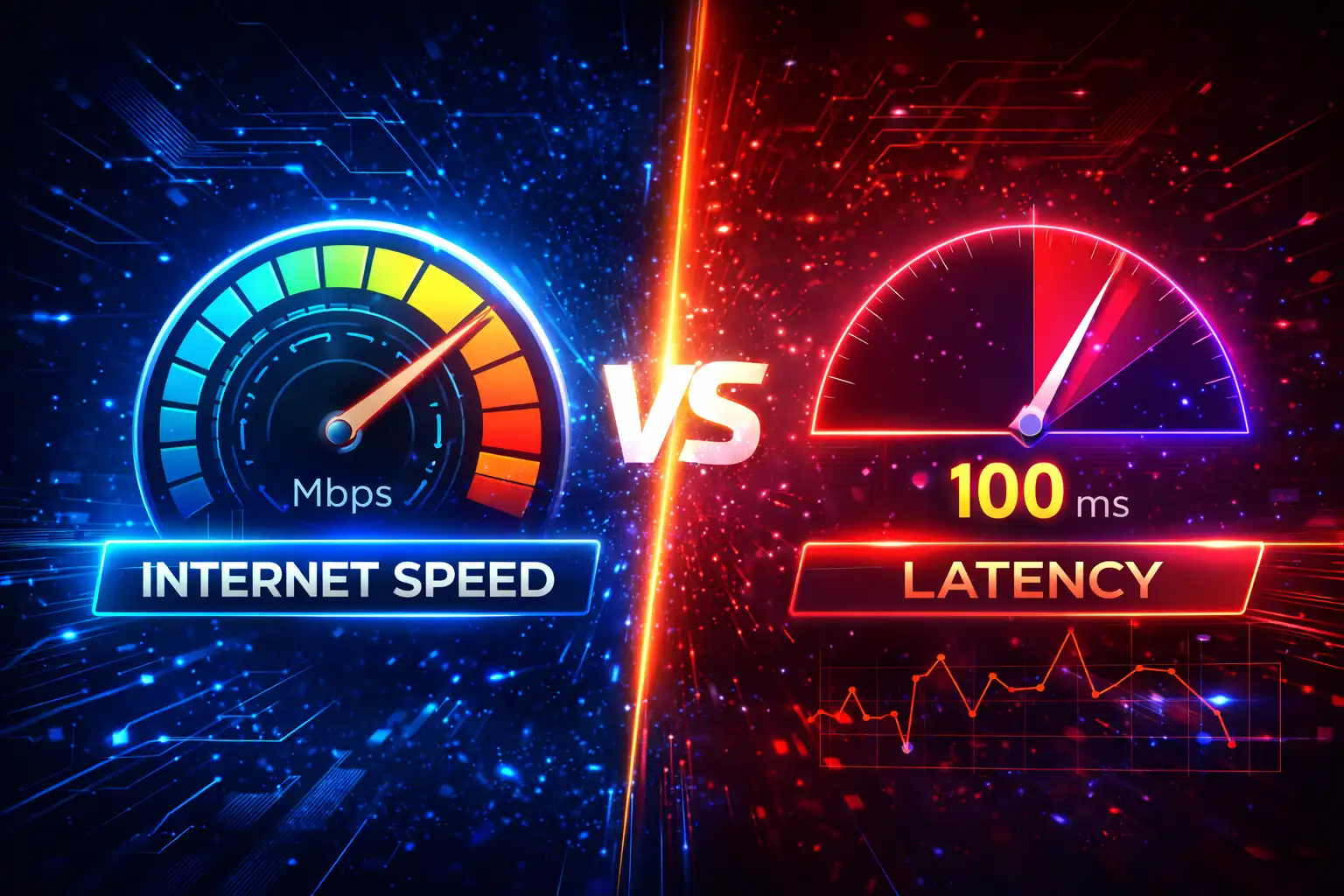
Most gamers assume faster internet automatically means better gaming, but online games care more about latency, also known as ping. Latency measures how quickly data travels between your device and the game server. Even with high speeds, poor latency can cause delays, lag, and unresponsive controls during gameplay. Recommended minimum specs for online gaming focus on balance. You do not need extreme download speeds, but you do need a stable connection with low and consistent latency to keep gameplay smooth.
| Factor | What It Affects | Why It Matters for Gaming |
| Download Speed | How fast data is received | Needed for updates, not gameplay |
| Upload Speed | How fast data is sent | Helps with voice chat and syncing |
| Latency (Ping) | Response time | Most important for smooth gaming |
| Stability | Connection consistency | Prevents lag spikes and drops |
Essential Hardware for Building a Gaming Network at Home
The right hardware makes a big difference when setting up a gaming network. Each piece has a specific role in keeping your connection stable and responsive during long gaming sessions.
- A reliable router that can handle gaming traffic and multiple devices
- Ethernet cables for wired connections and lower latency
- A network switch when more wired ports are needed
- Proper placement of hardware to avoid interference
A strong hardware setup helps prevent congestion and keeps your gaming devices connected without interruptions. When these essentials are chosen correctly, your home gaming network becomes easier to manage and performs better over time.
How to Build a Gaming Network at Home Using Wired or Wireless
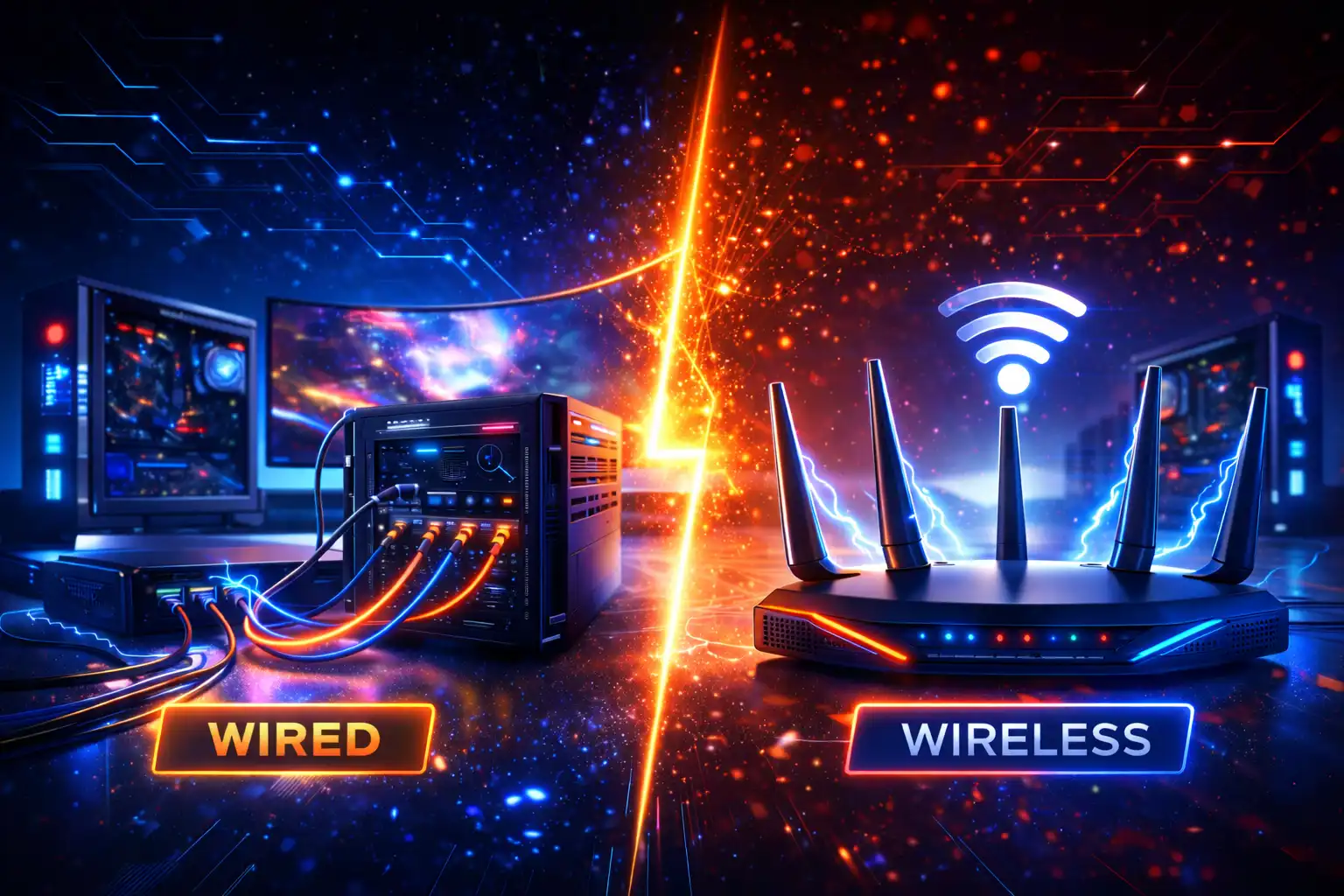
Choosing between wired and wireless connections is a key decision for gamers. Each option behaves differently under load, and the wrong choice can lead to lag, unstable play, or sudden drops. Understanding how both connections work in real homes helps you pick the setup that fits your gaming style and space.
| Connection Type | Best Use Case | Performance Level | Common Limitations |
| Wired Ethernet | Competitive and online gaming | Very stable, low latency | Requires cables and router proximity |
| Wireless Wi-Fi | Casual gaming or distant devices | Depends on signal strength | Interference and higher latency |
| Mixed Setup | Homes with many devices | Balanced and practical | Needs basic planning |
Ethernet works best for main gaming devices because it delivers consistent performance with minimal delay. Wi-Fi can still be acceptable when the signal is strong and interference is low, especially for casual play. In most real homes, a mixed setup is the most practical choice, where gaming devices use wired connections, and other devices rely on wireless access.
Step-by-Step Guide on How to Build a Gaming Network at Home
Building a gaming network works best when done step by step. Skipping steps often leads to unstable gameplay later. This process focuses on practical actions that improve performance without making things complicated or technical.
Step 1: Place Your Router for Best Gaming Performance
Router placement has a direct impact on gaming quality. Many connection problems start simply because the router is placed in the wrong spot. A well-positioned router helps signals travel evenly and reduces delay across the home.
- Place the router in a central location instead of corners
- Keep it elevated and away from floors
- Avoid walls, metal objects, and enclosed cabinets
- Reduce distance between the router and gaming devices
Good placement minimizes dead zones and helps maintain stable signals during gameplay. This step alone can noticeably improve connection quality without changing any hardware.
Step 2: Configure Router Settings for Gaming
Default router settings are designed for general use, not gaming. Adjusting a few key settings helps your network respond faster during online play. These changes improve how data flows between your device and game servers.
- Configure DNS to improve response times
- Enable QoS to prioritize gaming traffic
- Update firmware to fix bugs and improve stability
Proper configuration ensures gaming traffic does not get delayed by downloads or streaming. Keeping firmware updated also helps protect performance as games and network demands change over time.
Step 3: Connect Gaming Devices the Right Way
How devices are connected matters just as much as router settings. PCs and consoles handle network traffic differently and using the right connection method improves reliability and responsiveness.
- Use Ethernet for main gaming devices whenever possible
- Give wired connections priority over wireless ones
- Limit Wi-Fi use on devices that do not need high speed
- Separate gaming devices from heavy background usage
Reducing wireless congestion keeps your network responsive. Wired connections remain the most stable option for serious gaming sessions.
Step 4: Optimize Your Network for Multiple Users
Homes with multiple users create more network pressure. Streaming, downloads, and gaming all compete for bandwidth if not managed properly. Smart optimization keeps gameplay smooth even when others are online.
- Balance streaming and gaming traffic carefully
- Use guest networks for non-gaming devices
- Schedule large downloads outside gaming hours
Managing traffic ensures gaming performance stays consistent. This step is especially important in shared homes where multiple devices stay connected throughout the day.
Building a Home Gaming Network for Multiple Gamers

When more than one person plays at the same time, network pressure increases quickly. Each player needs a steady flow of data, and even small interruptions can affect everyone’s experience. Without proper planning, shared gaming often leads to lag, voice chat issues, and unstable matches.
- Multiple consoles or PCs competing for bandwidth
- Streaming and browsing running alongside gaming
- Limited wired ports on the router
- Heavy Wi-Fi congestion from many connected devices
A smart setup focuses on balance instead of speed alone. Main gaming devices should use wired connections whenever possible, while background devices stay on wireless access. Adding a network switch and controlling background usage helps keep gameplay smooth for everyone, even during busy hours.
Advanced Tips to Improve Your Home Gaming Network
- Use port forwarding only when a game clearly requires it
- Keep NAT type open or moderate for smoother matchmaking
- Prefer LAN connections for local multiplayer gaming
- Use mesh systems in large homes with weak Wi-Fi areas
- Restart router and modem regularly to clear memory
- Reduce background apps running on gaming devices
- Keep networking hardware updated for better stability
Common Mistakes That Ruin Home Gaming Networks
Many gaming issues come from small mistakes that seem harmless at first. These problems build up over time and slowly damage performance, even when internet speed looks fine. Avoiding these errors early helps keep gameplay smooth and reliable.
- Using cheap or outdated routers that cannot handle gaming traffic
- Placing the router in corners, cabinets, or near walls
- Relying only on Wi-Fi for main gaming devices
- Ignoring firmware and system updates
- Letting too many background downloads run during gaming
- Overloading the network with smart devices
Fixing these mistakes often improves performance without buying new hardware. Simple changes like better placement, fewer background tasks, and timely updates can stabilize the network quickly. When these issues are under control, games feel more responsive and consistent during every session.
Do You Need a Gaming Router to Build a Gaming Network at Home?
A gaming router is not required for everyone. These routers focus on better traffic control, not higher internet speed. In many cases, proper setup matters more than the router type.
- Gaming routers help in homes with many devices and heavy usage
- Competitive gamers may benefit from traffic prioritization
- A standard router works well for casual or solo gaming
If your home network is simple and well configured, a normal router is usually enough. Gaming routers make sense only when network traffic becomes hard to manage.
Final Checklist to Build a Gaming Network at Home
- Router placed in a central and open location
- Ethernet used for main gaming devices
- Wi-Fi limited for non gaming devices
- Router firmware updated to latest version
- QoS enabled to prioritize gaming traffic
- Background downloads paused during gaming
- Network congestion checked regularly
- Gaming devices tested for stable ping
- Multiple users managed with smart traffic control
Conclusion
Building a strong home gaming setup is not about expensive gear or very fast internet alone. It is about smart planning, stable connections, and giving games the priority they need. When the network is set up correctly, gameplay feels smooth, responsive, and far less frustrating.
Once you understand how to build a gaming network at home, small changes start making a big difference. Proper router placement, wired connections, and basic traffic control can improve performance without overcomplicating things. With the right approach, any home can support reliable and enjoyable gaming.
Frequently Asked Questions
How fast should my internet be for online gaming?
Most online games work well with moderate speed, but the connection must be stable. Low ping and steady performance matter more than very high download numbers.
Is Ethernet better than Wi-Fi for gaming?
Yes, Ethernet is usually better because it provides lower latency and a more stable connection. Wi-Fi can still work if the signal is strong and interference is low.
Can a home network setup reduce lag?
Yes, a proper setup can reduce lag by prioritizing gaming traffic and limiting background usage. Small changes often lead to noticeable improvement.
Do gaming routers really help?
Gaming routers help mainly in homes with many devices and heavy usage. For simple setups, a normal router with good settings is often enough.
Why does gaming lag even with fast internet?
Lag can happen due to high latency, network congestion, or poor router placement. Speed alone does not guarantee smooth gameplay.