Bigo Live is a fun app for live streams and chats, but sometimes it is time to let it go. In 2025, more users want to delete their Bigo account to protect personal info, free up phone space, or stop random notifications. Privacy matters a lot now, and old accounts can hold photos, messages, and even payment details that you do not need anymore. If you feel the app takes too much time or you found better platforms, deleting is the smart move.
This full guide walks you through every ctlick to remove your account safely. We cover Android and iPhone steps, quick fixes for stuck requests, and what to do with leftover beans or followers. No tech skills needed, just follow the pictures in your mind. By the end, your Bigo profile will vanish for good, and you can enjoy a cleaner phone.
Why Delete Bigo Live Account? Privacy, Unused Profile & Data Safety Tips
Bigo Live keeps a lot of your stuff. Think about old videos, chat logs, and even your phone number. If you stop using the app, that info just sits there. Hackers love unused accounts because people forget to check them. One click on a bad link, and someone else controls your profile.
Next, the app eats phone space and battery. Background updates run even when you close it. Push alerts pop up at night for gifts or new followers you do not care about. Deleting the account stops all that noise and gives your phone a break.
How to Delete Bigo Account on Android (Updated 2025 Method)
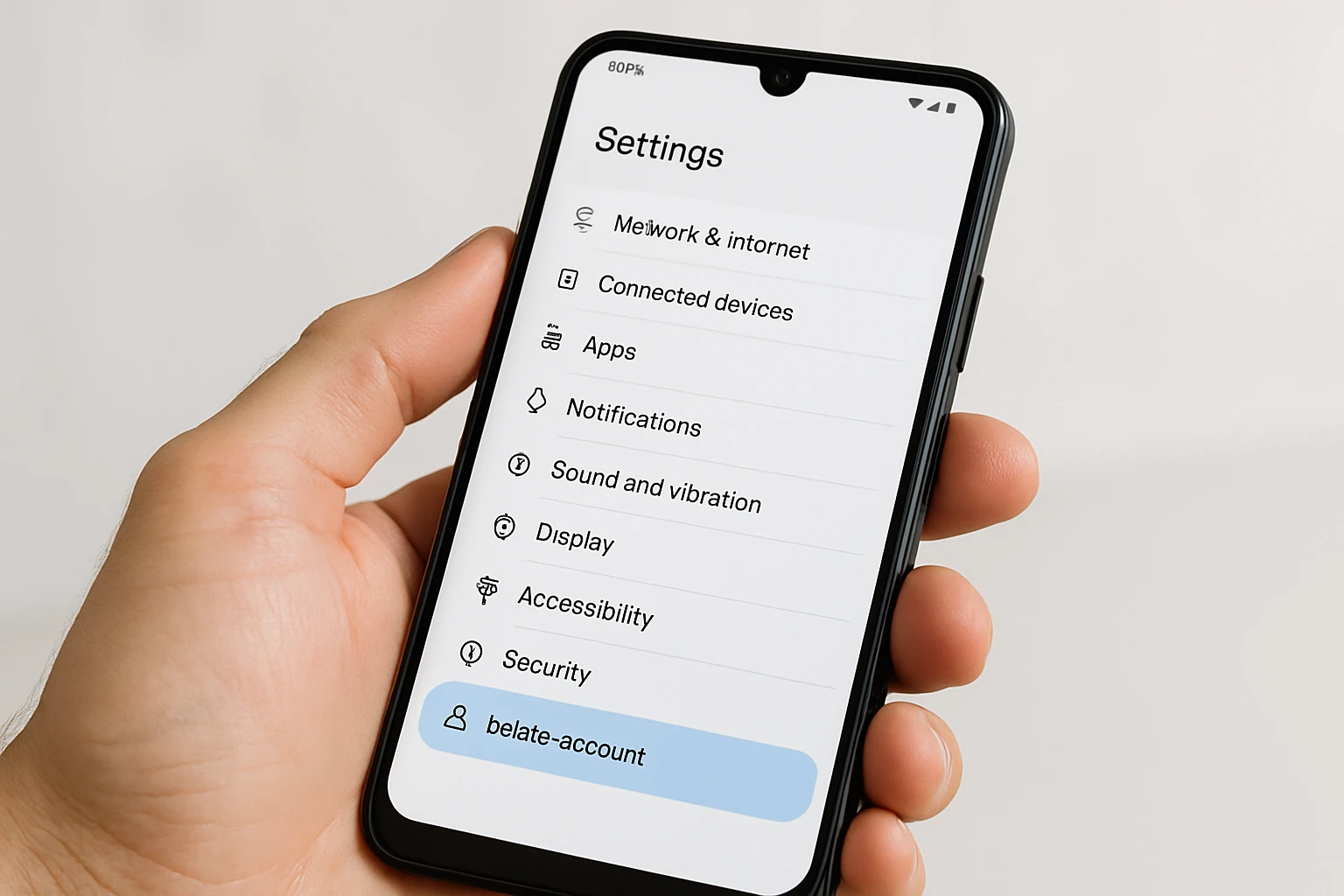
Many people want to delete their Bigo Live account for good in 2025. The app changed its layout this year, so you need the new steps to find the delete button fast. This guide works on every Android phone, from Samsung to Xiaomi. It takes just a few taps to start the process and say goodbye to your profile forever.
Step 1: Open Bigo Live App & Go to Profile
Grab your phone and locate the Bigo Live icon on your home screen or app drawer. Tap it to launch the app. Let the main page load completely. At the bottom, you see five icons. Tap the one on the far right that looks like a person. This opens your personal profile page right away.
Step 2: Access Settings & Find Account Management
Look at the top right of your profile screen. You will see a small gear icon for settings. Tap that gear. A long list appears. Scroll down past the basic options. Find the section named Account and Security. Tap it. Inside, tap Account Management. The delete account choice sits at the bottom in the 2025 update.
Step 3: Enter Password & Confirm Permanent Deletion
A box pops up asking for your Bigo password. Type it in the blank space. Hit next. A big red warning tells you everything will vanish forever. Read the message carefully. Tap the red confirm button. Another small box opens. You must type the word DELETE using all capital letters. Type it exactly and press submit to send the request.
Step 4: What Happens After Submitting Delete Request
Your request enters a 30-day waiting time as soon as you submit. Bigo sends a quick push notification and an email with your request number. Stay logged out the whole month or the deletion stops. If you do nothing, day 31 wipes out your account, all live videos, saved beans, gifts, and follower list for good.
How to Delete Bigo Account on iPhone (iOS Full Guide)
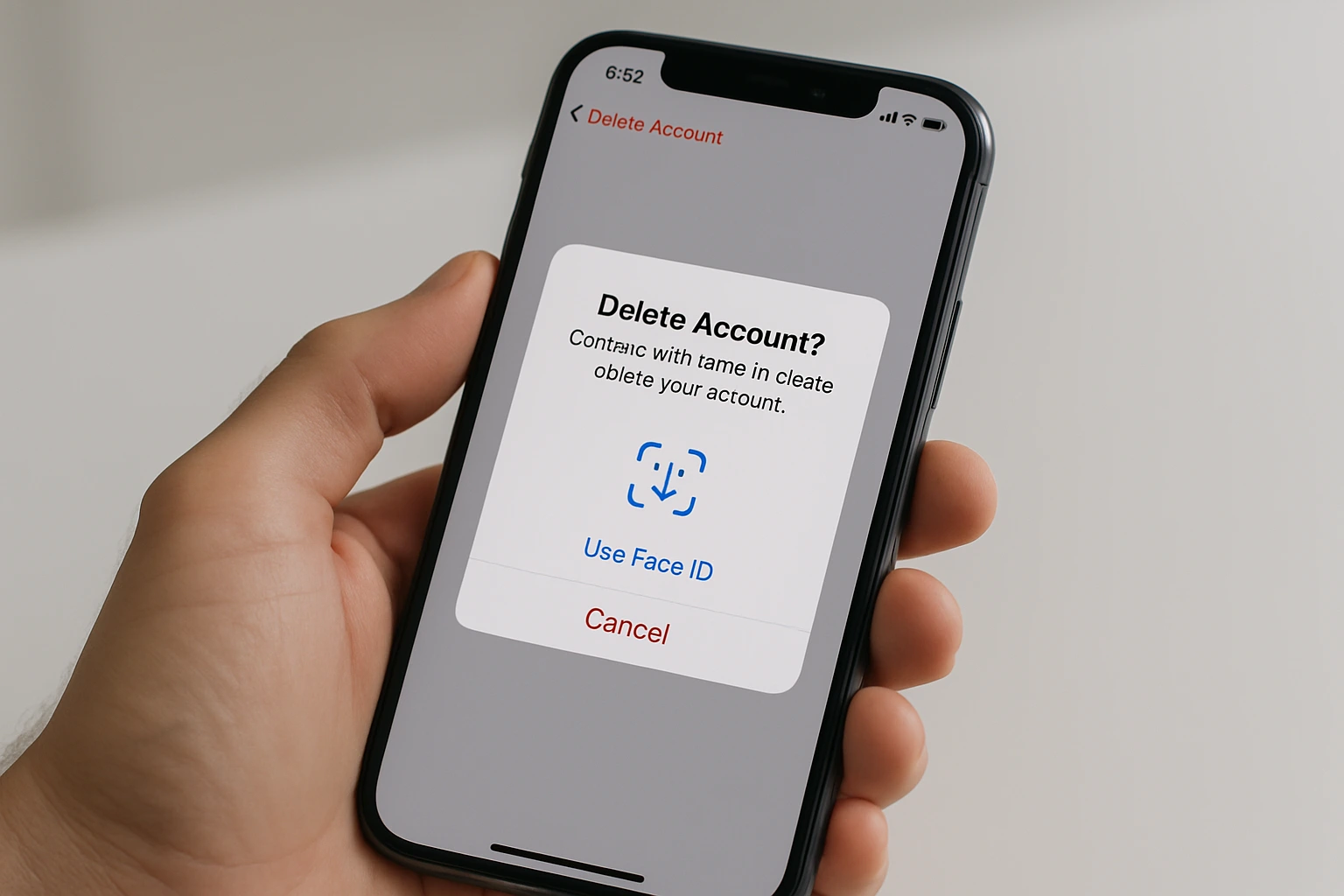
iPhone users keep looking for clear steps to delete their Bigo Live account in 2025. The process follows Android closely but follows Apple’s tight privacy rules. This section explains every difference and solves the missing button problem. You can start the deletion in just a few taps once the app behaves.
Differences in iOS vs Android Deletion Process
Both Android and iOS let you delete your Bigo account from inside the app. You open the app, go to profile, hit settings, and look for the delete choice. Still, Apple adds extra safety layers that change small parts.
Android only needs your password to start deletion. iOS skips the password box and asks for Face ID or Touch ID. You scan your face or touch the sensor once. This stops kids or friends from deleting by mistake.
App Store rules force a strict 30-day wait on iPhone. Android lets you log back in and cancel easily. iOS hides the cancel choice to match data protection laws. You stay locked out the full month.
Menu words differ too. Android shows Account Management at the end. iOS names it Close Account inside Account Security. Both paths show the same red warning about losing beans, gifts, and followers forever.
Fix “Delete Option Not Showing” on iPhone
The delete button sometimes disappears on iPhone screens. Old app versions or stuck files cause most problems. Follow this simple list to bring it back in 2025.
- Update the app first. Open App Store, tap your profile picture, scroll to Bigo Live, and hit Update if version 6.15 or higher waits.
- Force quit Bigo. Double tap Home or swipe up from bottom, then swipe Bigo card away. Wait ten seconds and reopen.
- Offload and reinstall. Go to Settings > General > iPhone Storage > Bigo Live > Offload App. Tap Reinstall App next.
- Check privacy settings. Settings > Privacy and Security > find Bigo Live > turn on Profile and Contacts access.
- Restart your iPhone. Hold the side button and volume down, slide to power off, wait thirty seconds, turn back on.
These five steps fix the missing delete option for almost every user. Try them one by one until the button appears under Close Account.
Bigo Account Deleting Problem? 5 Common Issues & Solutions

Lots of people hit roadblocks when they try to delete their Bigo Live account in 2025. The app throws errors or hides buttons at the worst time. This section lists the five biggest problems and gives easy fixes that work right now. You can solve most issues in minutes and finish the deletion.
Deletion Failed or Stuck in Review
Your request shows “pending” for days and nothing happens. Bigo puts every delete in a 30-day check queue. High traffic or a bad network makes it freeze.
- Wait at least 48 hours before you panic.
- Open phone Settings, go to Apps, find Bigo Live, tap Storage, then Clear Cache.
- Turn on a VPN and pick Singapore server. Submit the request again.
- Check your email spam folder for the request ID and reply if asked.
Most stuck reviews clear in three days after cache wipe and VPN.
Can’t Delete Bigo Account Due to Family Leader Role
The delete button stays gray because you run a Family group. Bigo locks leaders until someone else takes charge. You must pass the role first.
- Open the app and tap the Family tab on the home bar.
- Choose Manage Members and pick a trusted person.
- Tap Transfer Leadership and confirm with your password.
- Wait 24 hours for the system to update the role.
- Go back to settings and try delete again.
The button turns red and active once the transfer finishes.
Account Hacked? How to Delete Without Login
Someone changed your password and you cannot open the app. Bigo still lets owners delete hacked accounts with proof. You need the original phone or email.
- Open a browser and go to the Bigo help page.
- Pick Account Recovery then Delete Compromised Account.
- Enter the old phone number or email tied to the profile.
- Upload a selfie holding your ID card with the last four digits visible.
- Add the last payment method used, even if there is zero balance.
Support replies in seven days and wipes the account for safety.
Forgotten Password – Delete Bigo Account Without Access
You forgot the password and the phone number is old. Bigo offers a forced delete path with extra checks. It takes longer but works without login.
- Use the app or website feedback form.
- Choose Account Issue then Permanent Deletion Request.
- Give the exact signup date and old username.
- Send a clear photo of your government ID.
- Wait ten to fourteen days for manual review.
Bigo mails you when the account is gone for good.
What Happens After Deleting Bigo Account (Data, Beans, Followers)
You hit submit and wonder what disappears forever. Bigo wipes everything tied to your profile in 2025. Your live videos, chat history, beans, diamonds, and follower list vanish step by step. This part explains the full cleanup so you know exactly what you lose.
Can You Recover a Deleted Bigo Account?
No, you cannot bring back a deleted Bigo account after the 30-day window. The moment day 31 starts, the system erases your ID from the servers. Even Bigo support says recovery is impossible.
- If you log in any time during the 30 days, the request cancels automatically.
- After the full month with zero login, the account number gets recycled for new users.
- All gifts you sent or received turn into dust with no refund.
- Your username becomes free for anyone to grab right away.
Think hard before you confirm. Once the clock hits 30, goodbye is final.
How Long Does Bigo Keep Your Data After Deletion
Bigo follows a clear timeline for data storage in 2025. The company keeps backup copies for legal reasons only. Normal users never see this data again.
- Days 1 to 30: Full account stays active in review mode. You can still cancel.
- Day 31: Profile, videos, and messages get permanent delete from live servers.
- Days 31 to 90: Backup copies sit in cold storage for fraud checks.
- After day 90: Every trace wipes out under privacy rules. No restore possible.
Bigo keeps chat logs and payment records up to six months for tax laws in some countries. After that, even those files disappear. Your beans and diamonds never return as cash.
Bigo Account Delete Email Support – Official Contact Method

You want to delete your Bigo Live account but the app keeps giving trouble. Email support stays the safest official way in 2025. Bigo checks every request by hand to stop fake deletes. This section shows the exact policy and how to reach the right team fast.
Bigo Live Deletion Policy 2025 (Full Rules)
Bigo updated its rules this year to match new privacy laws. Every user must follow the same steps no matter the country. The company promises full wipe if you finish the process.
- You need the phone number or email used at signup.
- All delete requests start a 30-day cool off period.
- Login once in those 30 days cancels the whole thing.
- Beans, diamonds, and gifts never turn into real money.
- Family leaders must pick a new head before the system allows delete.
Bigo keeps the right to say no if you break community rules. Bad accounts stay frozen instead of deleted until fines clear.
Contact Bigo Support for Account Removal
The app button fails sometimes, so email works every time. Use the official address and add clear details. Support answers in three to seven days with a ticket number.
- Open your email app and start a new message.
- Type feedback@bigo.tv in the To field.
- Subject line: “Permanent Account Deletion Request – User ID [your ID]”.
- Body: Write your full name, signup phone or email, last login date, and reason.
- Attach a selfie holding your ID card with the photo part covered.
- Send and save the ticket number from the auto reply.
Check the spam folder daily. Reply to any extra questions within 24 hours or the clock stops. Once approved, the 30-day timer starts and you stay logged out.
Best Bigo Live Alternatives After Deletion (2025)
You deleted your Bigo account and now hunt for fresh spots to stream in 2025. Good news fills the app stores with fun live video apps that match or beat Bigo’s energy. These picks focus on easy chats, gifts, and global crowds. Pick one that fits your style, like gaming or just talking, and jump back in quickly.
Top 5 Apps Like Bigo for Live Streaming
Bigo fans love the mix of broadcasts, battles, and friend meets. Here are five top apps that copy that vibe with their own twists. Each one works on phones and pulls in millions of users daily.
- TikTok Live: Short clips turn into long streams here. Dance, chat, or play games with gifts from fans. It shines for quick fun and huge reach, especially if you like viral moments.
- Twitch: Gamers flock to this for live plays and talks. Add music or art streams too. The chat flies fast, and subs bring steady cash like Bigo beans.
- Likee: Short videos lead to live shows with effects and filters. Battle other streamers for prizes. It feels light and creative, perfect for newbies.
- Tango: Video calls mix with group streams. Send virtual hugs or dances to earn. The app builds tight groups, much like Bigo families.
- Mico Live: Meet strangers via random chats that go live. Explore rooms for singing or eating shows. It keeps the surprise element Bigo users miss most.
Download any from your store and test a short stream to see the crowd size. All five update often in 2025 for smoother video.
How to Transfer Followers to New Platform
Your Bigo followers do not move automatic, but smart steps bring many over. Start with a goodbye post before delete, then guide them step by step. It takes a week or two to rebuild half your list.
- Announce your switch on Bigo’s last day. Say “Catch me on TikTok Live at username tomorrow!” with a fun clip.
- Share your new handle everywhere. Post stories on Instagram or Facebook linking to the fresh profile.
- Cross promote once live. Go on the new app and shout out old Bigo fans, then repost clips on other social spots.
- Run a welcome gift event. Offer shoutouts or mini games for the first 100 followers from Bigo.
- Track who comes over. Use the app’s analytics to thank movers and invite more.
Stay active daily at first to keep the buzz. Most loyal fans follow if you make it easy and exciting.
Final Checklist Before Deleting Bigo Account
You are one click away from wiping your Bigo Live account in 2025. Stop and run this quick checklist first. It saves money, protects your phone number, and keeps other accounts safe. Finish these three tasks in five minutes and delete with zero regrets.
Unlink Facebook, Google & Phone Number
Bigo ties your profile to outside logins. Leave them linked and trouble follows. Unlink everything before the 30-day timer starts.
- Open Bigo and tap the profile icon at the bottom right.
- Hit the gear for settings, then find Account and Security.
- Tap Linked Accounts or Third Party Login.
- See Facebook? Tap Unbind and confirm.
- See Google? Tap Unbind the same way.
- Scroll to Phone Number, tap Change or Remove, then verify with the code sent.
Do this even if you never used those logins. Clean links stop future login loops.
Withdraw Beans/Diamonds Before Deletion
Every bean and diamond turns to zero the second deletion finishes. Cash them out now or lose them forever. Bigo pays fast if you meet the rules.
- Go to your profile and tap the wallet or bean icon at the top.
- Check the balance. You need at least 2100 beans for payout.
- Tap Withdraw, pick your method like PayPal or bank.
- Fill the form with real info and submit.
- Wait one to three days for money in your account.
Take a screenshot of the request number. Support can track it if payout delays.
Uninstall Bigo Live App Completely
The account lives on servers, but the app stays on your phone. Remove it fully to stop auto login and free space. One extra step clears all traces.
- Long press the Bigo icon on your home screen.
- Drag to Uninstall or tap the small x.
- For Android, go to Settings > Apps > Bigo Live > Uninstall.
- For iPhone, confirm the Delete App when asked.
- Open phone storage and clear any leftover Bigo folder.
Restart your phone after. This ends push messages and hidden data.
Conclusion: Delete Bigo Account Safely & Move On in 2025
You now hold every step to delete your Bigo Live account the right way in 2025. From the first tap on Android or iPhone to the final email to support, nothing stays hidden. Follow the checklist, cash out beans, unlink logins, and let the 30-day clock run with zero logins. Your data, followers, and gifts disappear for good, but you walk away clean.
Pick a new live app from the top five list and carry your energy there. Tell your fans once, post fun clips, and watch the crowd grow again. Deleting Bigo ends one chapter, not your streaming life. Take a deep breath, hit submit, and start fresh today.
Frequently Asked Questions
How do I permanently delete my Bigo account?
Open Bigo Live, tap profile, settings, Account and Security, then Account Management. Enter password, type DELETE in caps, confirm. Stay logged out for 30 days.
How do I delete my bingo account?
Same as Bigo. Open app, go to profile > settings > Account Security > Close Account. Enter password or Face ID, type DELETE, confirm. No login for 30 days.
How do I delete my user account?
In app: profile > settings > Account Security > delete option. Verify with password or Touch ID. Type DELETE in caps. Wait 30 days without logging in.
How do I delete my account permanently from mobile?
From phone: open Bigo > Me > settings > Account Security > delete. Enter password, type DELETE, submit. Stay out 30 days for a full wipe.
What happens to my beans if I delete my Bigo account?
Beans vanish forever. Withdraw them first via wallet to PayPal or bank (min 2100 beans) before starting deletion.