When you start looking for the right font for a design, things can get confusing fast. There are so many styles, formats, and tools that knowing where to begin feels tricky. That is why Fontlu catches attention. It gives you a simple way to preview fonts, understand how they look in real text, and explore options without jumping between many sites. In this blog, we will walk through everything about Fontlu so you can decide when it helps and when other tools may fit better.
As you read, you will find clear explanations, real examples, and simple steps that make typography easier to understand. If you want a quick way to learn what Fontlu offers and how it compares to other font tools, stay with this guide because it covers the full picture in an easy-to-read way.
What Is Fontlu?
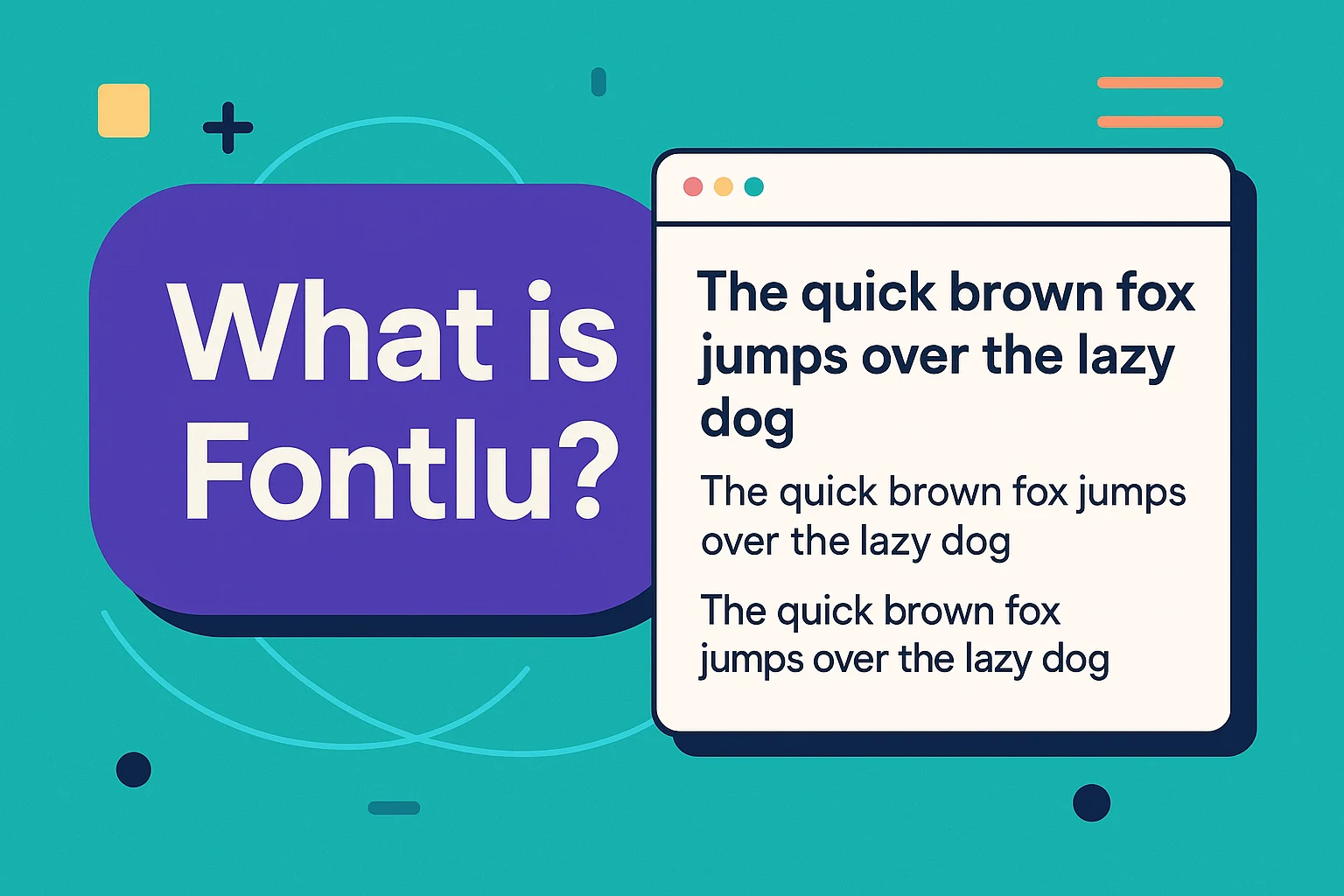
Fontlu is an online tool that helps you explore and test different fonts in a clean and simple way. It lets you type any text and see how it looks in many styles, which makes choosing a font much easier. Designers, students, and beginners use it because it removes the guesswork and gives a clear view of how a font will look in real use. It works in your browser, so you do not need to install anything or set up extra software.
The idea behind Fontlu is to make font selection faster and more accurate. You can switch between font categories, compare styles, and understand which type works best for your design or project. For people who work with logos, posters, school tasks, or social media graphics, this tool saves time and helps you make better choices. It keeps everything simple, which is why it has become a helpful spot for quick font previews.
How Fontlu Fits Into Modern Typography
Modern design changes quickly, and people need tools that help them test ideas without slowing their work. Fontlu supports this need by letting you see how text looks in real time, which makes picking the right style easier and faster for both beginners and skilled designers.
- Helps preview fonts quickly
- Makes design decisions simpler
This simple way of viewing styles also teaches you how different fonts create different moods. A soft script can feel friendly, while a bold sans serif feels strong. Seeing these differences in one place builds better judgment and supports faster, smarter typography choices in everyday work.
How Fontlu Works
Fontlu works in a simple and clear way so anyone can test fonts without feeling lost. When you open the tool, you see a text box where you can type any word or sentence. As soon as you type, the preview updates and shows how your text looks in different styles. This live view helps you understand which font fits your idea before you start designing anything.
The tool also arranges fonts into easy categories, so you can move between modern, classic, bold, or handwritten styles without searching for too long. Switching between categories feels smooth, and the layout makes it easy to compare options side by side. This simple system is what makes Fontlu helpful for students, creators, and designers who want quick results with less effort.
Font Preview and Text Testing
Font preview is the part of Fontlu that makes choosing a style feel simple. You type any word or line, and the tool shows the change right away. This helps you see the shape and mood of each font without any extra steps.
- Shows your text instantly
- No downloading needed
- Helps compare many styles fast
- Easy for beginners and designers
- Clear view of each font mood
This quick testing style also builds better design sense. A soft script looks gentle, while a bold font feels strong. Seeing these side by side makes your choice easier for school work, graphics, or any project.
Key Features of Fontlu
Here are the some key features fo Fontlu:
- Live preview that updates your text instantly
- Clear font categories for easy browsing
- Smooth switching between different styles
- Simple layout for quick testing
- Works in the browser with no setup
- Helps compare fonts side by side
- Beginner friendly for students and new designers
- Fast loading and easy to understand
Who Should Use Fontlu?
Fontlu is made for people who want a quick and simple way to test fonts without extra tools or heavy software. It helps users see how a word or line looks in different styles, which makes design work easier and faster for many types of users.
- Designers who test styles before starting a project
- Students working on school tasks and presentations
- Content creators making posts or graphics
- Small business owners choosing fonts for branding
- Beginners learning how different styles change the feel of text
This mix of users finds Fontlu helpful because it keeps everything clear and easy to use. It supports quick checks, better choices, and smoother design work for daily tasks.
How to Use Fontlu
Fontlu works in a way that feels simple from the first moment you open it. You type your text in the box, and the preview shows the change right away. This live reaction helps you see how each style shapes the word or sentence you are testing. The layout is clean, so you can move between categories without confusion. It feels smooth and quick, which makes the tool useful for daily design tasks or small school projects.
You can jump between modern, classic, bold, or soft styles in just a few clicks. The tool keeps everything in front of you so you do not scroll too much or switch tabs. This helps you compare the mood and shape of each font in less time. Even if you are new to design, the setup feels easy to understand and gives you a clear look at what fits best.
Practical Use Cases for Fontlu
People use Fontlu for many small and useful tasks. It helps bring clarity when you need a fast font check or want to see how a name or title will look in a real design. This makes it handy in daily situations where you want a clean and quick style test.
- Choosing a font for graphics or posters
- Checking text for school tasks and slides
- Testing names or titles for branding ideas
- Picking styles for social media posts
- Learning how fonts change the feel of text
These small everyday uses show why Fontlu fits different projects. It supports fast thinking, better choices, and easy learning for anyone who works with words or visuals.
Is Fontlu Safe and Legit?
Fontlu feels safe for general use because it runs in your browser and does not ask for personal details. You can type your text, check styles, and move through categories without sharing any private information. This makes it a low-risk tool for everyday font testing. Many users prefer tools like this because they do not download files or install software that could harm their device.
The main point to keep in mind is licensing. Some fonts you preview may be free only for personal use, while others may require permission for commercial work. This is common in most font tools, so checking the usage rules before using a font in a logo or paid project is a smart step. As long as you stay aware of these rules, Fontlu works fine for students, designers, and content creators who just need fast previews.
Pros and Cons of Fontlu
| Pros | Cons |
| Easy to use for beginners | Some fonts may have limited licenses |
| Live preview shows text instantly | Not all styles fit every project |
| Clear categories for quick browsing | No deep editing tools |
| Works in the browser with no setup | Needs internet to preview fonts |
| Good for fast design checks | Limited advanced features for experts |
Best Fontlu Alternatives Worth Trying
Many people like to explore more than one tool when choosing fonts, and that is why looking at alternatives helps. These options give you a wider range of styles, clearer licensing, and different layouts that may fit your needs better. Each platform has its own strength, so checking them side by side can guide you toward the right choice for your project.
Here are some strong alternatives that users often try when they want more font variety or a different design experience.
- Google Fonts with a large free collection and simple browsing
- DaFont known for creative and fun styles
- FontSpace with a friendly layout and many users made fonts
- FontSquirrel with clean options and careful curation
- Premium libraries that offer high quality styles for branding
These choices help you compare feel, style, and clarity before picking the right font. Each platform gives a different experience, so trying a few can make your final decision more confident and clear.
Quick Comparison: Fontlu vs Leading Alternatives
Choosing the right font tool depends on what you need. Some users want speed, others want creative styles, and some need clear licensing for work projects. A simple comparison can help you see which tool fits your needs better. This table gives you a clear view of how Fontlu compares with other popular options.
| Tool | Best For | Strengths | Limitations |
| Fontlu | Quick previews and everyday checks | Fast live preview, simple layout, easy categories | Some fonts may have license limits |
| Google Fonts | Clean design projects | Free library, safe licensing, easy browsing | Limited creative styles |
| DaFont | Fun and creative designs | Many playful and unique fonts | Not all fonts fit professional use |
| FontSpace | User made styles and variety | Friendly layout, wide mix of fonts | Quality varies by creator |
| FontSquirrel | High quality clean fonts | Curated selection, clear categories | Smaller collection |
This view makes it easier to decide which tool matches your workflow. If you want fast checks, Fontlu works well. If you need full control or clear licensing, other tools may fit better.
Conclusion
Fontlu gives you a simple way to see how different styles shape your text, which makes it useful for quick checks and everyday design work. Its clean layout, live preview, and easy categories help you test ideas without getting lost in complicated tools. This makes it a handy choice for students, designers, and anyone who needs fast and clear font previews.
At the same time, exploring alternatives helps you understand what each platform offers. Some give bigger libraries while others focus on clean and curated styles. By checking a few options, you can find the tool that fits your project and comfort level best. With this full guide, you now have a clear view of how Fontlu works and how it compares to other font tools.
Frequently Asked Questions
What is the best font generator?
The best one depends on what you need, but many people like simple tools that show live previews and clear styles so they can test text quickly without extra steps.
What are the 4 types of font?
The main groups are serif, sans serif, script, and display. Each group gives a different mood, from soft and classic to bold and modern.
How to turn your handwriting into a font for free?
Some online tools let you upload a handwriting sheet and turn it into a font. You write letters on a template, scan it, and the tool creates a basic digital version.
What is the No. 1 style font?
These changes based on trends, but clean sans serif styles stay popular because they look simple, modern, and easy to read in most designs.
Is Fontlu good for beginners?
Yes, it works well for beginners because the layout is simple and the previews update right away, which makes it easier to understand how each style changes the feel of your text.